Automate Form Contact Follow-Up with ActiveCampaign Webflow App
For Webflow teams following up with form contacts, ActiveCampaign connects submissions to automated marketing.
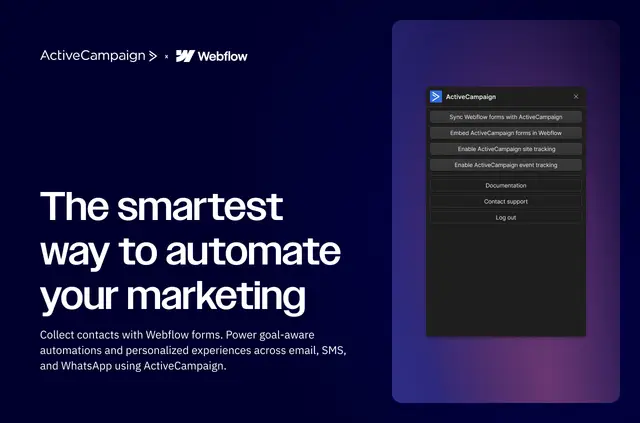
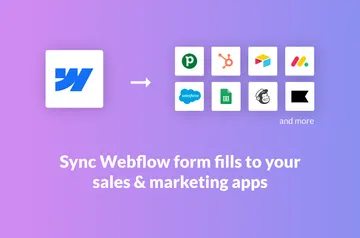
Webflow site builders can send mapped form submissions to ActiveCampaign contacts, then use those contacts in personalized marketing across email, SMS, and WhatsApp.
Teams can also enable site and event tracking from Webflow without writing code. Tracked visits and behavior can start or stop ActiveCampaign automations.
Who gets the most out of it
The integration suits Webflow projects that collect leads or other form contacts and need automated follow-up. It connects form activity with ActiveCampaign marketing workflows.
For teams reviewing past submissions, contact records can include historical Webflow forms through ActiveCampaign Custom Objects; this requires an Enterprise plan.
Access and pricing
The app is listed with a free option and paid plans. When installed, it can edit Webflow CMS, custom code, forms, and sites, and read the user's profile.
Getting started in Webflow
Install the integration, connect Webflow forms, and choose or create the ActiveCampaign lists, tags, and fields that submissions should update. Site and event tracking can also be enabled from Webflow without coding.
Common questions
What happens to Webflow form submissions?
Mapped submissions are sent to ActiveCampaign contacts and can update the lists, tags, and fields selected for the connected forms.
Can tracked visits trigger an automation?
Yes. ActiveCampaign can use tracked site visits and behavior to start or stop automations.
Can contact records show earlier Webflow submissions?
Yes. Historical submissions can appear on contact records through ActiveCampaign Custom Objects, with an Enterprise plan.
Which marketing channels can ActiveCampaign automate?
It supports personalized marketing automation across email, SMS, and WhatsApp.
Does the integration require coding to enable tracking?
No. Site and event tracking can be enabled from Webflow without coding.