Style Marketo Forms Visually with Adobe Marketo Engage Webflow App
Embed and style Adobe Marketo Engage forms in Webflow while preserving their Marketo behavior.
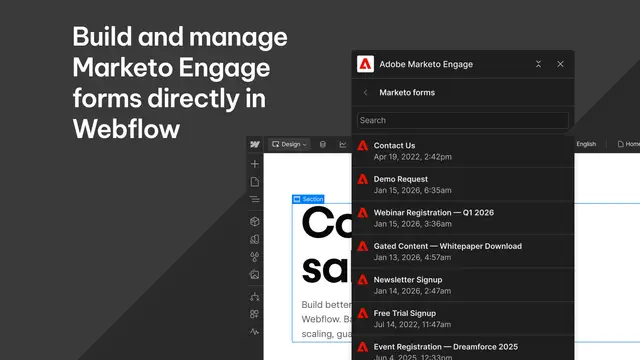
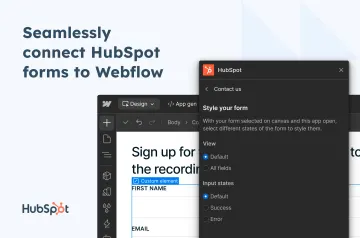
Adobe Marketo Engage is a Webflow app for adding Marketo forms to your site and shaping their appearance in Designer.
Marketo continues to manage form tracking, validation, submissions, and campaign logic. You can style forms visually without writing custom CSS.
Before you install
When you install the app, it can change CMS content and custom code. It can also view your sites and your user profile.
Who gets the most out of it
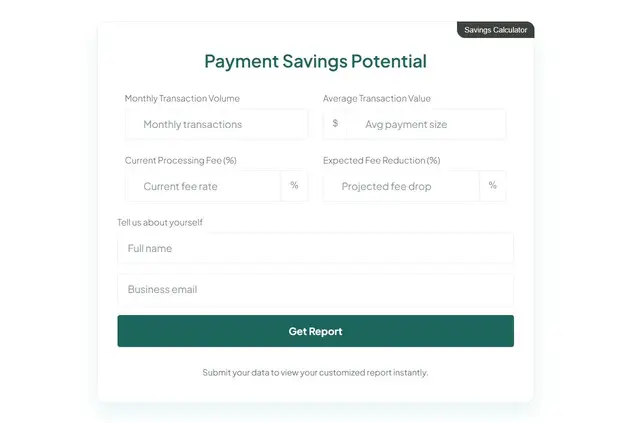
This app suits teams building branded Webflow forms that need to retain Marketo’s native form behavior. It also supports landing pages made with Webflow Campaigns.
Use Designer to set form layout, typography, spacing, inputs, buttons, and focus, error, and success states.
Quick answers about Adobe Marketo Engage
How do I add Adobe Marketo Engage to a Webflow site?
Connect your Marketo Engage instance through Webflow, select a form, style it in Designer, and publish.
Can I use the same form on more than one page?
Yes. Embed the form as a component to reuse it across pages.
Does form styling change how Marketo handles submissions?
No. Marketo retains its tracking, validation, submission handling, and campaign logic.
Does an iframe keep the form’s appearance?
Yes. An iframe embed retains Marketo’s styling.