Sync Form Leads to Sales Tools with Outfunnel Webflow App
Outfunnel works with Webflow forms, routing submissions to connected business tools and recording lead-source details.
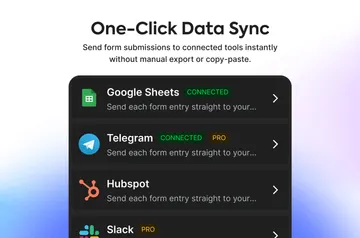
After setup, Webflow form submissions reach selected business tools in real time, without code. Sales and marketing teams can send one submission to several destinations and choose what records or activities to create.
A tracking snippet can capture page visits and lead sources, then pass visit history and UTM data to a CRM. Outfunnel also reports sync counts and form performance and monitors errors.
Where it fits
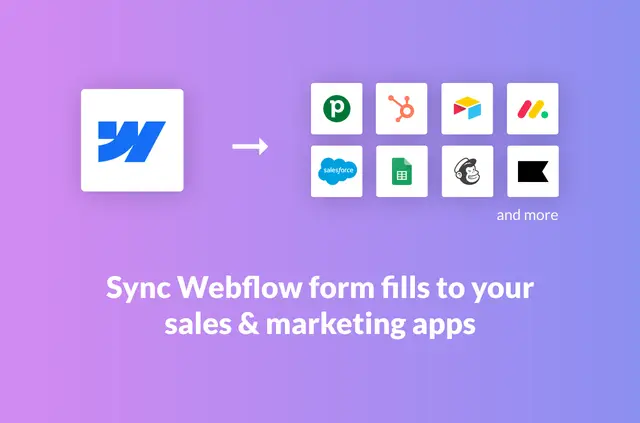
Outfunnel suits sales and marketing teams collecting leads through Webflow sites and syncing them with tools already in use. Destinations include Pipedrive, HubSpot, Salesforce, Attio, Copper, Mailchimp, Klaviyo, Brevo, ActiveCampaign, Airtable, Monday.com, and Google Sheets.
Feature notes
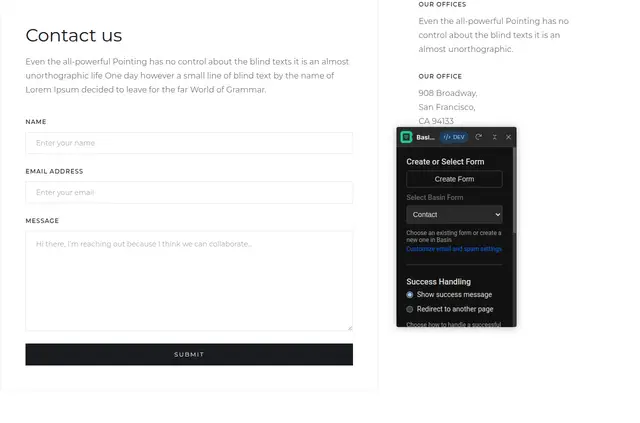
- Link Webflow to a destination app, pick forms, set field mappings and actions, then activate syncing.
- Turn submissions into contacts, leads, deals, activities, subscribers, or rows in a database.
- Configure workflow details such as record owners, deal stages, and tags.
- Send a single form submission to multiple connected destinations.
- Use the tracking snippet to capture visits and lead sources, with visit history and UTM details sent to a CRM.
Access and pricing
Outfunnel is listed as paid. When installed, it requests permission to edit sites and read forms and the user profile.
Common questions
How do you install Outfunnel in Webflow?
Install Outfunnel for the Webflow site and grant permission to edit sites and read forms and your user profile.
Do I need to code to use Outfunnel?
No. Form data syncs to destination apps in real time without code.
Can a Webflow form submission create different types of records?
Yes. Workflows can create contacts, leads, deals, activities, subscribers, or database rows.
Can teams monitor form syncing and performance?
Yes. Outfunnel provides sync counts, form performance information, and error monitoring.