Connect Forms to Your CRM with HubSpot Webflow App
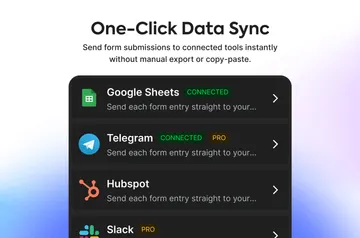
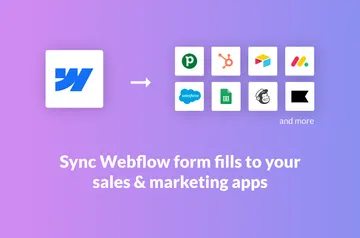
For Webflow builders who want HubSpot submissions, HubSpot lets you design and publish forms in Webflow.
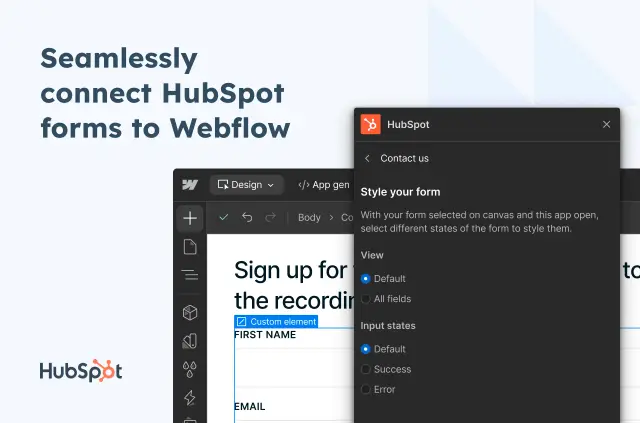
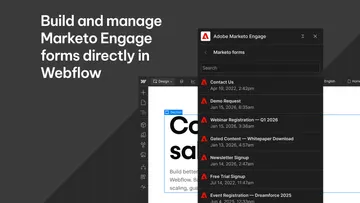
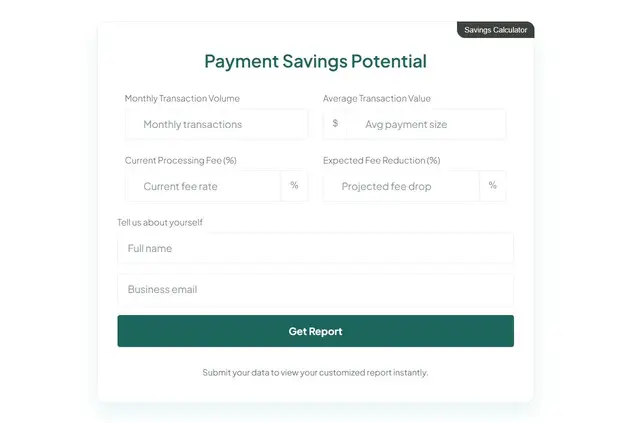
HubSpot works in the Webflow Designer and on your published site: you can style supported forms visually, then preview them in the Designer before publishing.
Choose among the HubSpot Form Editor, iframe or developer code embeds, and native Webflow forms. The right route depends on your HubSpot plan and workflow.
What it asks for
The app has a free option and paid plans. When installed, it can edit your CMS, pages, custom code, assets, forms, site members, and sites, and read your user profile.
Who it suits
This suits Webflow sites that need form submissions sent to HubSpot while giving you control over form styling in Webflow. You can also add HubSpot forms to Webflow Campaigns landing pages as reusable components or iframes.
Native Webflow submissions can go to HubSpot through its Non-HubSpot Forms feature. Iframe forms use HubSpot’s style editor, with changes reflected on the live site; developer code embeds submit to HubSpot and support external CSS.
Questions about HubSpot
Who is the developer behind HubSpot?
HubSpot is made by Webflow.
How do I add HubSpot to a Webflow site?
Install the app, then choose a supported method: HubSpot’s Form Editor, an iframe, developer code, or a native Webflow form.
Can I preview form styling before publishing?
Yes. You can style supported forms visually in Webflow and preview them in the Designer.
Can I customize an embedded form with external CSS?
Developer code embeds support external CSS customization. Iframe forms use HubSpot’s style editor instead.