Draft AI Search Content Updates with Profound Webflow App
Convert AI search findings into Webflow CMS content updates with Profound Agents.
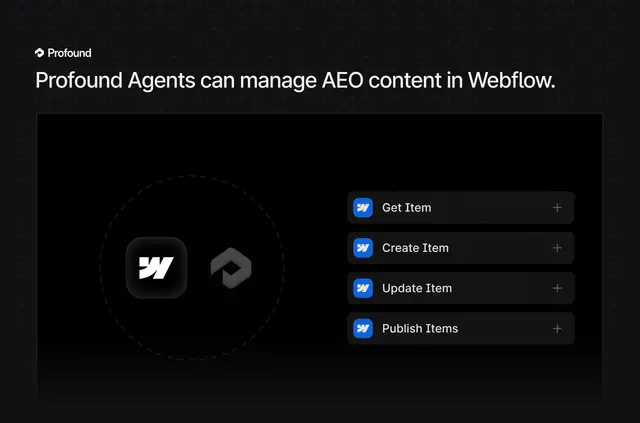
Without Profound, marketing teams may have to transfer AI search findings into Webflow and make content changes manually. Once connected, Profound Agents use that data to prepare CMS updates.
The integration is intended for teams managing AEO content in Webflow. Changes remain drafts until a person reviews and approves them for publication.
Where it fits
Profound is suited to marketing teams managing AEO content through Webflow CMS. It can support projects that involve refreshing existing pages, creating content for AI search gaps, or maintaining several types of CMS entries on a schedule.
Permissions to expect
The requested Webflow access includes permission to edit CMS content. Profound can also read site information and the connected user's profile.
Profound in practice
Agents can retrieve Webflow pages, add context drawn from LLM prompt data, and return revised versions. For identified AI search content gaps, they can create articles or landing pages and save them as drafts.
Scheduled workflows can update multiple CMS items, including product descriptions, glossary entries, and FAQs. Updates are placed in Draft status for human review before approval and publication.
Common questions
Can Profound revise existing Webflow pages?
Yes. Agents retrieve existing pages, add context informed by LLM prompt data, and return revised versions.
Can it create drafts for AI search content gaps?
Yes. Agents can create articles or landing pages for identified gaps and save them as Webflow drafts.
Can scheduled workflows update several CMS entries?
Yes. They can update multiple items, such as product descriptions, glossary entries, and FAQs.
What Webflow permissions does Profound request?
It requests permission to edit CMS content and read sites and the connected user's profile.