Research and Publish Blog Articles with HarperFlow Webflow App
HarperFlow works with your Webflow CMS to research, draft, and publish articles on your existing blog.

After setup, you can review blog articles drafted for your site, refine them as Webflow CMS items, or let them publish automatically. You can also return a live article to draft status.
HarperFlow is aimed at founders, marketers, and agencies who want a steady supply of blog content. It connects to Webflow CMS and can manage multiple sites and agency portfolios through one account.
Where it fits
Use HarperFlow when you’re planning ongoing blog content for a Webflow site or managing content across several sites. Its research and topic-cluster planning can help teams identify subjects to cover and organize related articles.
What HarperFlow does
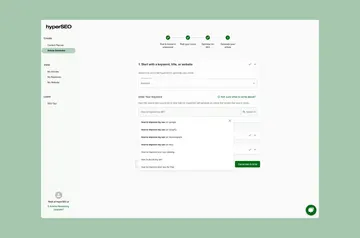
Once connected, HarperFlow reads your site pages, including unpublished pages, then prepares a brand profile for you to review. It scans the sources AI answers cite for a query to spot content gaps and plan topic clusters.
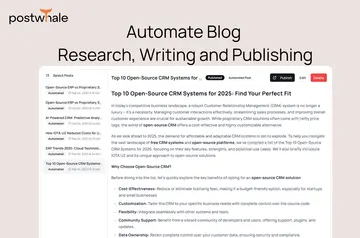
Articles open with a direct answer and include inline citations to checkable sources. You can review a draft before publishing, publish it through HarperFlow, or edit the resulting CMS item in Webflow’s Designer or Editor.
The main tools
Choose from tools for planning, drafting, and preparing articles for your Webflow blog.
- Use 16 article formats and brand-voice memory to shape drafts.
- Add internal links, featured images, and TL;DR summaries to articles.
- Include JSON-LD Article or FAQ schema and comparison tables.
Quick answers about HarperFlow
Is HarperFlow free?
HarperFlow is listed as paid.
What can HarperFlow access in my Webflow account?
It can edit CMS, pages, custom code, assets, components, and sites. It can read your user profile.
Who makes HarperFlow?
HarperFlow is made by Better Brain Lab LLC.
Can I approve articles before they go live?
Yes. You can review articles before publishing, or allow them to publish automatically. Live articles can also be reverted to drafts.
Can I manage more than one Webflow site?
Yes. HarperFlow can manage multiple sites and agency portfolios from one account.