Personalize Web Experiences with Salesforce for Webflow Optimize
Use Salesforce data to shape Webflow Optimize audiences and connect site engagement with pipeline data.
Salesforce for Webflow Optimize works with website experiences managed through Webflow Optimize, rather than in the Webflow Designer, CMS, or a separate app dashboard. It brings Salesforce data into Optimize to help you target and evaluate site experiences.
You can build audiences from Salesforce attributes, review optimization performance using those attributes, and sync individual-level engagement from tracked outbound links back to Salesforce.
Salesforce for Webflow Optimize in practice
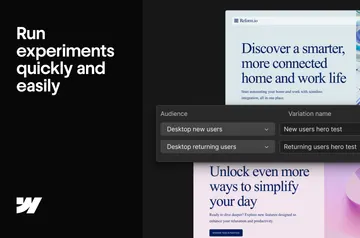
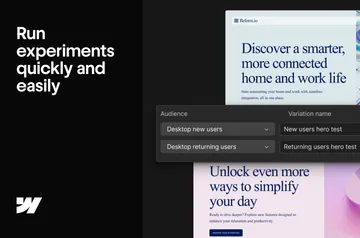
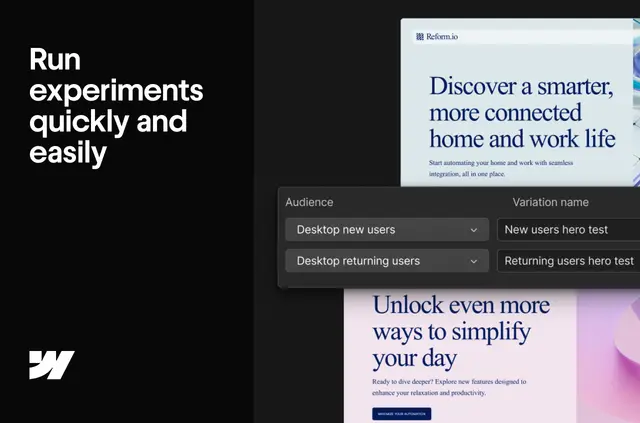
In a Webflow project, the integration connects Optimize to Salesforce account, opportunity, contact, and lead data. You can import up to 20 fields from each table, then use those attributes to create rules-based audiences for personalized website experiences.
You can also filter and analyze optimization performance by Salesforce attributes. Engagement on outbound links is tracked at the individual level and synced to Salesforce, linking site activity with pipeline-related data.
Getting started in Webflow
If you’re a Webflow Optimize Enterprise customer, configure the Salesforce integration by following the setup guide. The integration is available only on Enterprise plans.
Features worth knowing
- Import up to 20 fields each from Salesforce Account, Opportunity, Contact, or Lead tables.
- Build rules-based audiences from Salesforce attributes for personalized site experiences.
- Track outbound-link engagement at the individual level and sync it to Salesforce.
- Filter and analyze optimization performance using Salesforce attributes.
Common questions
Is Salesforce for Webflow Optimize free?
It is listed as free, but the Salesforce integration is available only on Webflow Optimize Enterprise plans.
Does Salesforce for Webflow Optimize run inside the Webflow Designer?
No. It connects Salesforce data with Webflow Optimize; it does not run inside the Webflow Designer.
Which Salesforce records can I bring into Webflow Optimize?
You can import fields from Salesforce Account, Opportunity, Contact, and Lead tables, up to 20 fields from each.
Can I connect optimization results to pipeline data?
Yes. Salesforce attributes can help you filter and analyze optimization performance, and outbound-link engagement tracked at the individual level syncs back to Salesforce.