Target Audiences Using Intent Data with 6sense for Webflow Optimize
Connect 6sense data to Webflow Optimize to shape audiences and understand visitor segments.
Marketing teams using 6sense can bring its data into Webflow Optimize to target audiences and gain insights about visitors. The connection adds 6sense information to the data used to identify anonymous visitors.
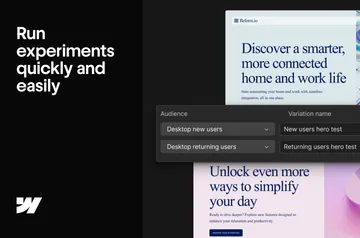
Use company and firmographic details to create audience rules, then apply 6sense segments to on-site messaging. Synced Score and Segments data also supports targeting and reporting in Webflow Optimize.
The main tools
- Sync 6sense Score and Segments data for targeting and reporting in Webflow Optimize.
- Build rules-based audiences from 6sense company and firmographic information.
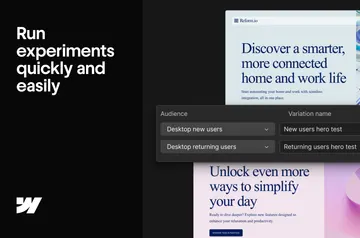
- Compare experiment variations across visitor segments using firmographic attributes in your results.
- Activate on-site 6sense segments to align landing-page messaging with campaign audiences.
Where it fits
This integration suits teams that want to match anonymous visitors with 6sense information, target by intent, or examine experiment outcomes at the segment level. It can connect campaign audience segments with the messaging shown on landing pages.
Caveats
You need a Webflow Optimize Enterprise plan to use the integration. Webflow directs customers to Sales for more information about the Enterprise plan.
Questions about 6sense for Webflow Optimize
How do you install 6sense for Webflow Optimize in Webflow?
Webflow Optimize Enterprise customers can install the integration using the provided help documentation.
Where do I use 6sense for Webflow Optimize once it's installed?
Use synced 6sense data in Webflow Optimize for audience targeting and reporting. You can also activate segments for on-site landing-page messaging.
Can the integration add 6sense information to anonymous-visitor identification?
Yes. It expands the data used to identify anonymous visitors by adding 6sense information.