Sync Data Across Connected Apps with MeldAPI Webflow App
MeldAPI is for Webflow teams that need to move data and digital assets between connected apps without code.
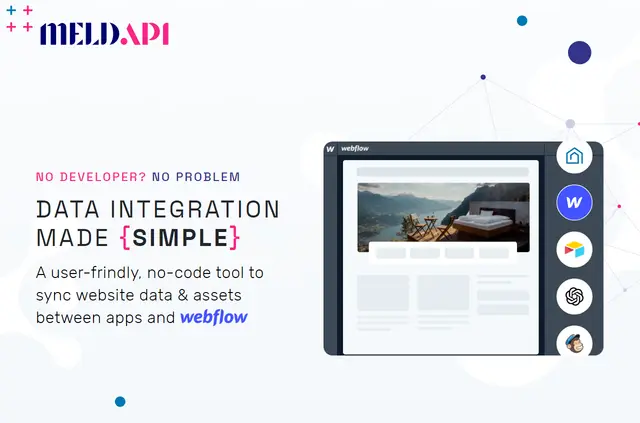
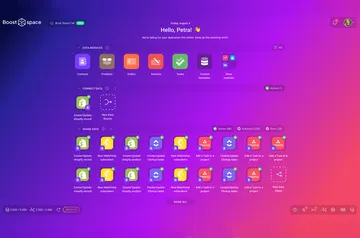
MeldAPI is a no-code app for transferring information and digital files between Webflow and other apps. It works with Webflow CMS fields and supports managing assets, CMS items and forms.
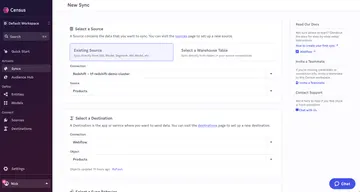
Users configure workflows by connecting apps, mapping fields and setting filters or add-ons. Syncs can be triggered in different ways to match a workflow’s needs.
Limits to know
Choosing a monthly subscription is part of setup. MeldAPI is listed with a free option and paid plans, and all plans—including FREE—include every MeldAPI Connector.
When installed, it requests permission to edit CMS, pages, custom code, assets, forms, ecommerce, site members and sites, and to read the user profile. MeldAPI says it does not retain processed data on its servers.
How setup works
Install MeldAPI and choose a monthly subscription. Connect the apps for the workflow, then match the fields that should transfer.
Add any filters or add-ons, then configure when the sync should run. Workflows may include multiple steps, monitoring, reports and notification options.
Who it suits
MeldAPI is designed for marketers, designers, developers, agencies, businesses and enterprise teams. It can suit Webflow projects that coordinate CMS content, site assets or form data with other apps.
Its Image Optimizer can change image format, dimensions and compression quality. Other add-ons handle content conversion, PDF extraction and URL slug creation.
Common questions
Can a workflow have several stages and reporting?
Yes. Syncs can include multiple steps, monitoring, reports and notification options.
What can the Image Optimizer adjust?
It can convert image formats and change dimensions and compression quality.
What does MeldAPI say about handling processed data?
MeldAPI says it does not store processed data on its servers.
Which apps can I connect through MeldAPI?
Its connectors include Webflow, Airtable, OpenAI, OpenWeather, Guesty, SeaTable, Dropbox and Mailchimp.
Which content conversion add-ons are available?
Add-ons can turn HTML or text into Markdown, convert Markdown to HTML or text, extract PDF content, and create URL slugs.