Boost Engagement and Conversions with LottieFiles for Webflow App
Add and recolor Lottie animations on your Webflow pages, then use them with Webflow interactivity.
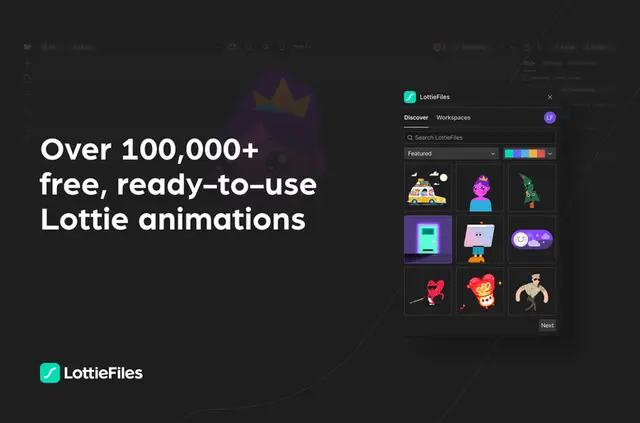
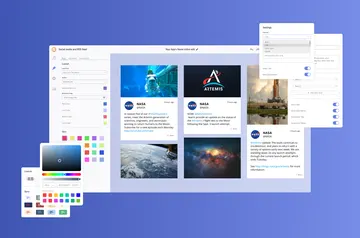
For Webflow projects, LottieFiles is an app for adding customizable Lottie animations to pages. Browse ready-to-use options and adjust their colors with a palette tool to fit your brand.
You can pair animations with Webflow’s interactivity features. Webflow supports Lottie and dotLottie, formats the app says enable faster page loads.
Pricing and permissions
LottieFiles for Webflow is free to use. Connecting it to your project requires permission to make changes to custom code.
What you can do with it
Choose from a catalog of more than 100,000 free animations, with fresh choices arriving daily. Recolor an animation for your brand and use it with Webflow interactivity on a page.
Questions about LottieFiles for Webflow
Can I change an animation’s colors to match my brand?
Yes. Use the color palette tool to adjust an animation’s colors for your brand.
Can I use the animations with Webflow interactivity?
Yes. The animations work with Webflow’s interactivity features.
How many animations are in the library?
There are more than 100,000 free, ready-to-use choices, and additional options are added each day.
Which animation formats does Webflow support?
Webflow supports Lottie and dotLottie; the app says these formats enable faster page loads.
What Webflow permission does the app need?
It asks to be allowed to modify custom code in your Webflow project.