Translate Site Content with Localazy Webflow App
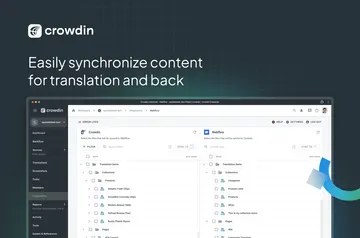
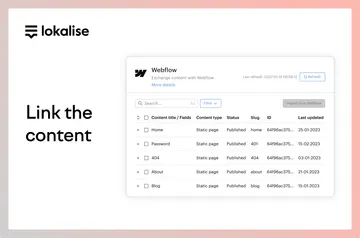
From Webflow site content, Localazy sends text for translation and returns translated content to your site.

Connect your Webflow site to Localazy using a no-code integration. It imports text for translation and sends the translated content back to Webflow, covering static pages and dynamic content.
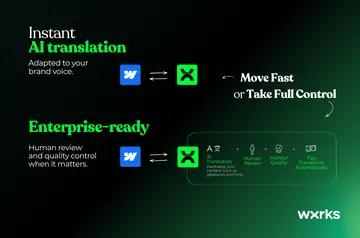
Choose professional translators, AI, machine translation or a combination to produce translations. Translation memory, glossaries and automated workflows help organize localization and keep terminology consistent.
Where it fits
Localazy suits businesses and product teams managing multilingual Webflow sites. The integration moves site content into a localization workflow and returns translations to Webflow, including content from both static pages and dynamic sources.
Before you install
When you connect Localazy, it can edit your CMS, pages, ecommerce and components. It can also read your sites and your user profile.
Quick answers about Localazy
How does Localazy connect to Webflow?
A no-code integration links the platforms, imports Webflow text into Localazy and returns translated content to the site.
Can it handle content beyond static pages?
Yes. The integration supports static pages as well as dynamic content.
Who can produce the translations?
Translations can come from professional translators, AI, machine translation or a combination of these methods.
How does Localazy help keep terminology consistent?
Translation memory and glossaries help maintain consistent terminology, while automated workflows help organize localization.
What Webflow permissions does the integration request?
It can edit CMS, pages, ecommerce and components, and read sites and your user profile.