Streamline Global Localization with Lokalise Webflow App
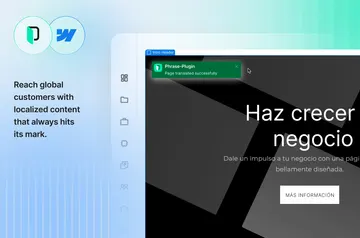
Localise Webflow campaigns and website content for international audiences with Lokalise.
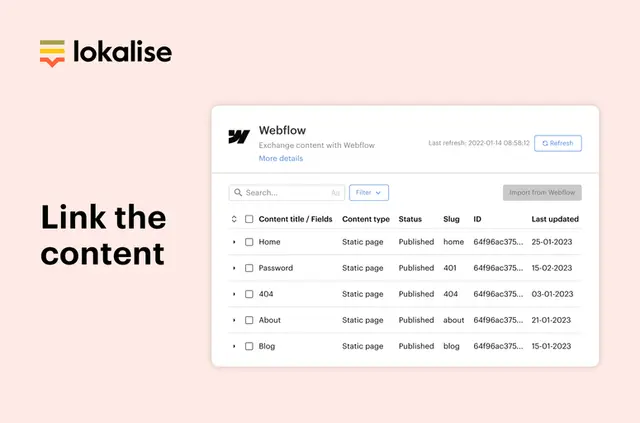
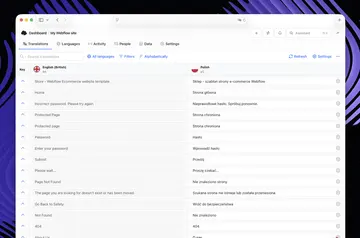
Without Lokalise, you may need extra tools and manual work to prepare Webflow content for each language. Once installed, content syncs from Webflow for localisation, and AI translation helps you prepare translated versions more quickly.
Shared style guides and glossaries help keep translations consistent. You can render translations before publishing to support quick page loads.
What it handles
Use Lokalise to localise campaign content and website pages for international audiences. Its Webflow connection synchronises content, and its workflows focus on SEO for international content.
Pricing and permissions
Lokalise is listed as paid. It can edit CMS content, pages and components, and read sites when connected to Webflow.
Who it suits
Lokalise suits teams preparing campaigns or websites for audiences in different countries, especially when they want to manage localisation without relying on developers. Shared terminology guidance supports consistent translations across a project.
Common questions
Where do I use Lokalise once it's installed?
Use it with Webflow to synchronise site content for localisation.
Can non-developers use Lokalise?
Yes. It suits teams that want to localise campaigns and websites without relying on developers.
Does Lokalise work with Webflow CMS collections?
It can edit Webflow CMS content, so you can use it with CMS collections.
Can Lokalise help keep translated terms consistent?
Yes. Shared style guides and glossaries support consistent translations.
Can I preview translations before publishing?
Translations are rendered before publishing to help pages load quickly.