Translate Content Across Languages with Smartling Webflow App
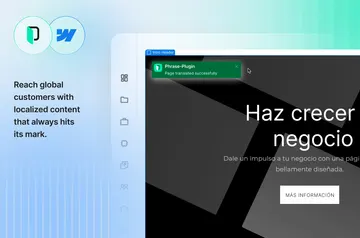
Send selected Webflow pages, components, and collections to Smartling for translation across languages and markets.

For Webflow localization, Smartling provides a translation management platform and an API-based connector. You select site content to transfer, without manual export or copy-and-paste.
It supports translation workflows, quality evaluation, and performance reporting for organizations working across languages and markets.
Setting it up
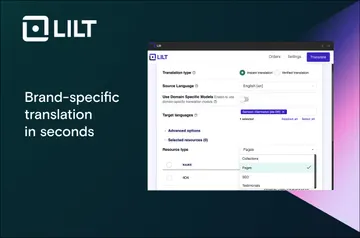
Install the Smartling Webflow connector and use it with a Smartling account. Choose the pages, components, or collections you want to translate; the connector transfers your selections through its API.
Who it suits
Smartling is suited to organizations managing Webflow content for multiple languages and markets. Teams can use its workflow automation and translation management to coordinate localization, with quality evaluation and performance reporting also available.
What it handles
Send chosen Webflow pages, components, and collections for machine translation, AI-powered translation, or human translation. Glossaries, style guides, and automated quality checks help keep translated content aligned with your brand voice.
Smartling connects to Webflow and offers API and connector options for linking with other technology systems.
Smartling FAQ
Do I need a Smartling account to use the Webflow connector?
Yes. A Smartling account is required to use the connector.
Which translation approaches can I choose?
Smartling offers machine translation, AI-powered translation, and human translation.
How can I keep translations aligned with my brand voice?
Use glossaries and style guides, along with automated quality checks, to support consistency.
Can Smartling help coordinate translation work and assess results?
Yes. It supports workflow automation and translation management, plus quality evaluation and performance reporting.
What Webflow permissions does the connector request?
It requests edit access to CMS, pages, forms, ecommerce, and components, and read access to sites, your user profile, and branches.