Promote Limited-Time Offers with Corner Ribbon Webflow App
Site owners can feature promotions and key messages in a corner of their Webflow pages.
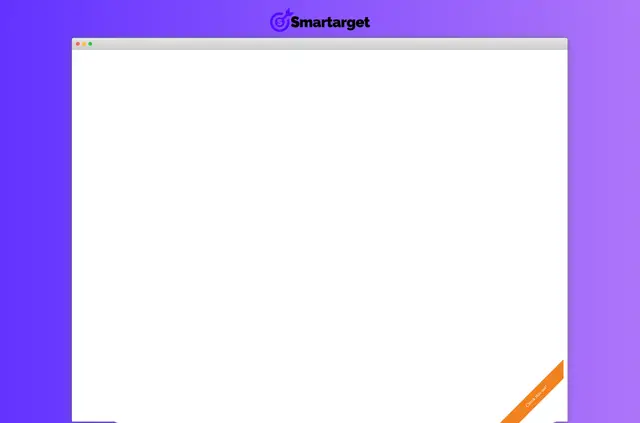
Businesses use Corner Ribbon to call attention to seasonal deals, holiday offers, limited-time specials, and products. Its messages can prompt visitors to act promptly.
Made by Smartarget, the app is designed to show its ribbon on website pages viewed on desktop or mobile.
What Corner Ribbon does
In a Webflow project, Corner Ribbon adds a corner display for a key message or promotion. A business might use it to highlight a holiday deal or draw attention to a product offer across its pages.
How setup works
Install Corner Ribbon for use with a Webflow site. During installation, it requests permission to read sites and edit custom code; these are the access areas involved in adding the app.
Feature notes
- Places a message or promotion in a website corner.
- Displays across site pages on desktop and mobile.
- Can highlight offers and products.
- Promotional wording can encourage prompt action.
- Smartarget says its apps work across website platforms.
Quick answers about Corner Ribbon
What kinds of promotions suit Corner Ribbon?
It is suited to seasonal deals, holiday offers, and limited-time specials.
Does the ribbon appear on mobile as well as desktop?
Yes. It is designed to display on both types of devices.
Does Smartarget support websites on different platforms?
Smartarget says its apps work across website platforms.
What pricing options are available?
Corner Ribbon is listed with a free option and paid plans.