Create Targeted Website Popups with Popup Builder Webflow App
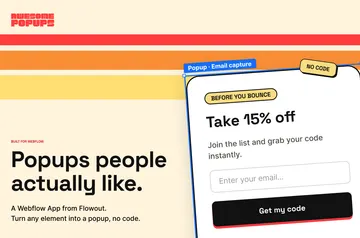
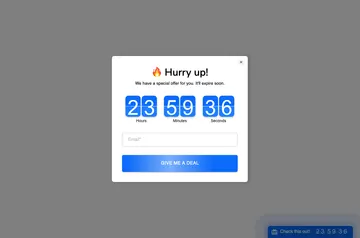
Site owners can publish responsive popups for announcements, lead collection, email signups, discounts, and offers.
Visitors see a popup tailored to a site’s message, whether it invites an email signup, shares an announcement, or promotes an offer. Popup Builder is made by FlowAppz for Webflow site owners who want to collect leads or display promotions.
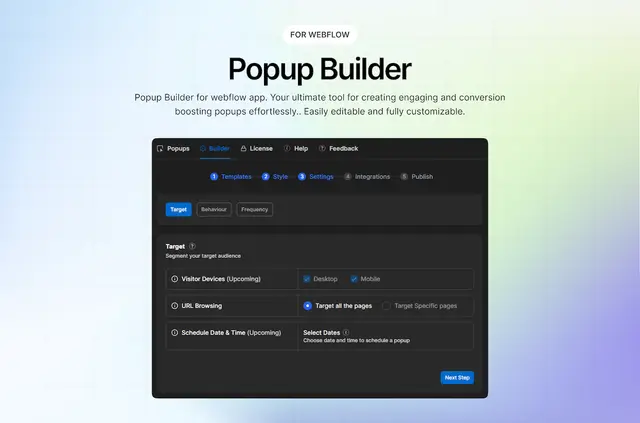
The workflow is to choose a template, customize its content and appearance in a visual editor, then publish it on a Webflow site. The app is designed to work within Webflow, without external tools.
Permissions to expect
When installed, Popup Builder can edit pages, custom code, forms, site members, and sites. It can also read the installing user’s profile.
What's included
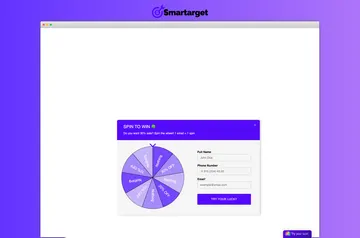
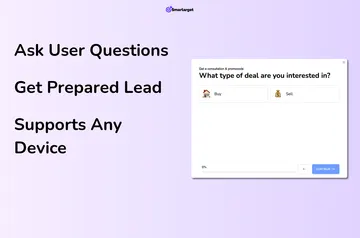
- Choose ready-made templates for email signups, announcements, discounts, or lead generation.
- Edit popup content and styling visually, without writing code.
- Trigger popups by elapsed time, scrolling, button clicks, or exit intent.
- Target specific pages or whole site sections, and set limits on how often each visitor sees a popup.
Popup Builder FAQ
What can trigger a popup?
Options include a delay, scrolling, a button click, or exit intent.
Can a popup appear only on certain pages?
Yes. Page targeting can display it on selected pages or across entire site sections.
Can I limit how often visitors see a popup?
Yes. Frequency settings control how often each visitor is shown a popup.
Which integrations are planned?
Mailchimp, HubSpot, and Webhooks are described as upcoming integrations.
Do I need to write code to customize a popup?
No. A visual editor lets users change its content and styling without code.