Add Interactive Widgets and Capture Leads with Impulse Webflow App
Add interactive features, capture leads and run promotions on Webflow sites with Impulse widgets.
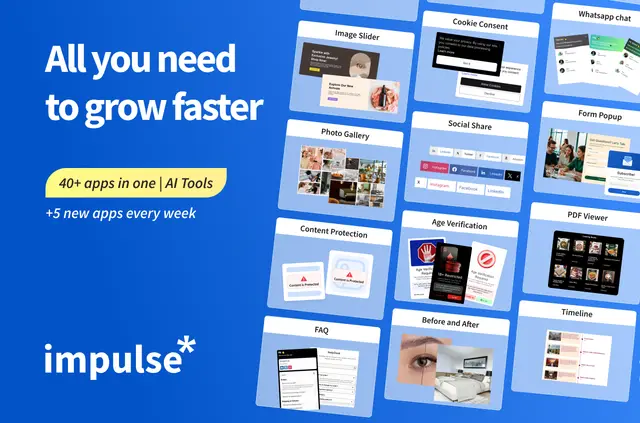
Webflow site owners can add visitor interactions, collect leads and display promotions without coding. Impulse brings over 40 widgets together, including galleries, sliders, PDF viewers, cookie consent and content protection.
Choose a widget, tailor its template and publish it with display conditions. AI-generated material is available for FAQs, forms, gallery visuals and logo showcases.
What Impulse does
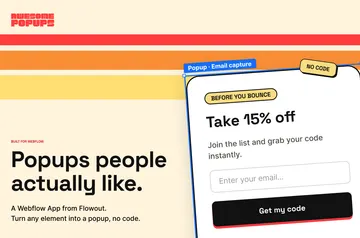
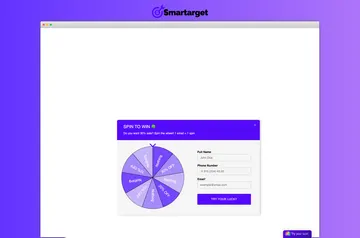
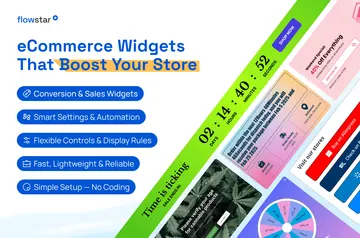
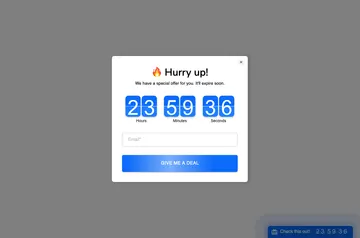
In a Webflow project, Impulse can add before-and-after displays, FAQs, form popups, social sharing and chat options such as WhatsApp. It also includes age checks and e-commerce promotions.
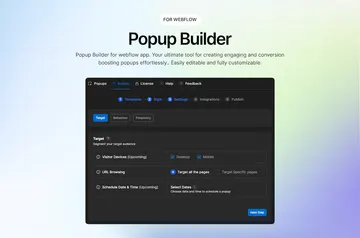
Set display conditions using visitor location, UTM parameters, the current page, time, scroll position or exit intent. Customize template text, colors, fonts, calls to action, images and icons.
What's included
- Add galleries, sliders, PDF viewing and before-and-after displays to site pages.
- Use FAQs, cookie consent and content protection for information and access needs.
- Add form popups, social sharing, chats, age checks and e-commerce promotions.
- Connect lead collection to Mailchimp, MailerLite or GetResponse.
Quick answers about Impulse
Can I use Impulse on an Ecommerce site?
Yes. Impulse includes e-commerce promotions and requests permission to edit Webflow ecommerce.
Can Impulse work with my CMS items?
Impulse requests permission to edit Webflow CMS content.
How much does Impulse cost?
Impulse is listed as paid.
Can I control which visitors see a widget?
Yes. Display conditions can be based on visitor location or UTM parameters, among other criteria.
Can I connect lead forms to an email marketing service?
Yes. Lead collection can connect to Mailchimp, MailerLite and GetResponse.