3D Transform Webflow Cloneables
Explore a variety of 3D transform Webflow cloneables for adding dynamic effects to your website. Easily customize and add 3D transforms to your site.
9 cloneables









Questions about 3D Transform cloneables
How can you use 3D transforms in Webflow?
Webflow’s 3D transforms allow you to rotate, scale, and position elements in three-dimensional space. To use 3D transforms, select an element, go to the "Effects" section in the "Style" panel, and enable "Transform." Adjust settings like "Rotate," "Scale," "Skew," and "Move" along the X, Y, and Z axes. You can also use perspective settings to control depth. Combining these with interactions creates dynamic animations. Explore Webflow cloneables for pre-built 3D effects to accelerate your design process.
What are some effective ways to use 3D transforms in Webflow for creating interactive and dynamic designs?
Webflow’s 3D transforms enable the creation of interactive and dynamic designs by manipulating elements along the X, Y, and Z axes. Effective uses include hover-based depth effects, rotating cards for interactive UI components, and parallax scrolling for immersive experiences. Combining 3D transforms with interactions allows for smooth transitions, such as flipping elements on hover or tilting based on cursor movement. Utilizing perspective settings enhances realism, making elements appear more natural. Stacking multiple transforms, like rotation, scale, and translation, helps create dynamic animations, improving visual engagement and user interaction.
What are the best Webflow cloneables that showcase advanced 3D transform effects?
Best Webflow Examples with Advanced 3D Transform Effects
If you're looking to explore advanced 3D transform effects in Webflow, the following cloneables offer excellent options:
1. 3D Slider Gallery Splide.js Webflow Cloneable
URL: View Cloneable
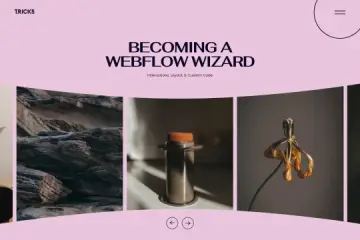
This cloneable features a 3D slider gallery built with Splide.js, showcasing dynamic perspective shifts and smooth transformations. It's ideal for creating interactive image galleries with depth and motion.
2. Enhance Webflow with 3D Interactive Background (Spline)
URL: View Cloneable
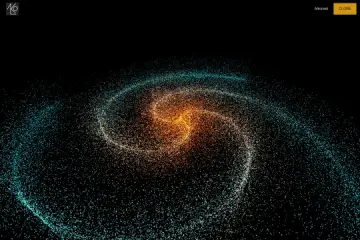
This project integrates 3D interactive backgrounds using Spline, allowing users to add immersive and animated 3D elements to their Webflow pages. It's perfect for enhancing user engagement with interactive depth effects.
3. 3D Scroll Parallax Animation Webflow Cloneable
URL: View Cloneable
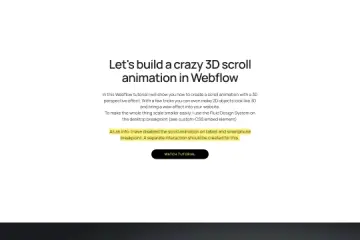
This cloneable demonstrates 3D scroll-based parallax animations, leveraging fluid design principles to create engaging depth effects as users scroll. It's best suited for storytelling websites or portfolios that require dynamic motion.
Each of these cloneables provides a unique way to incorporate advanced 3D transformations into Webflow projects. Whether you need a 3D slider, interactive background effects, or scroll-triggered animations, these resources can help enhance your designs with dynamic depth and motion.