Answer Visitor Questions Using AI with Xorventa Webflow App
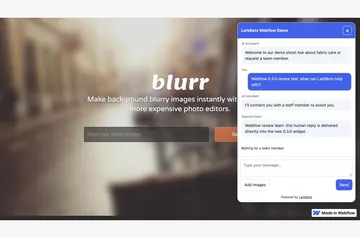
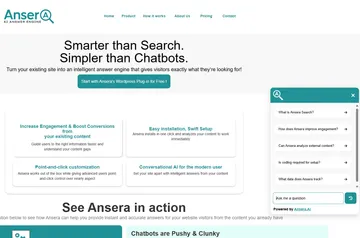
For Webflow site owners, Xorventa adds a visitor chat that answers questions using business facts you provide.
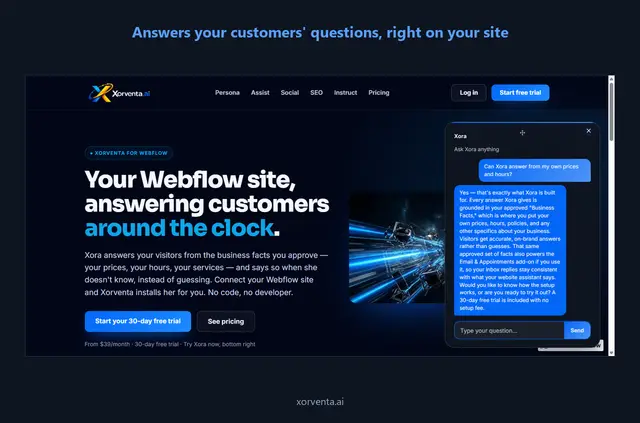
After setup and publishing, visitors can open a chat window on your Webflow site. It answers using details you provide, such as prices, hours, services, and policies.
You can also review proposed page title and meta description changes before approving them. After publishing, Xorventa checks the live page for the chat window or an approved edit.
Caveats
The assistant uses the business facts you supply. If those facts do not address a visitor’s question, it says so and brings the question to you.
Xorventa does not publish your site or rewrite page content. Some Webflow page settings need manual changes. If you remove the chat script, that change takes effect after your next publish.
Getting started in Webflow
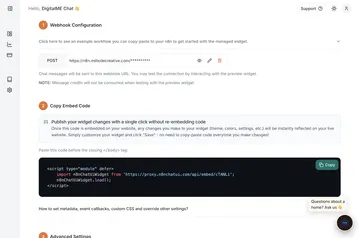
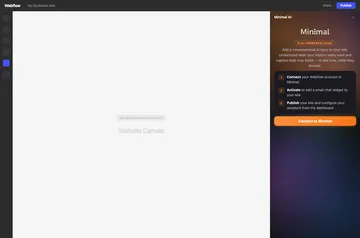
Connect your Webflow site through Webflow’s authorization screen, then choose which site Xorventa may access. Once you approve access, Xorventa installs a small chat script through Webflow’s Custom Code API.
Publish your site to make the chat active. Xorventa then checks the live page and confirms whether the chat window or an approved edit is present. For proposed title and meta description edits, you can compare the current wording with the suggested wording before approving.
Pricing and permissions
Xorventa is listed as paid. When installed, it requests permission to edit pages, custom code, and sites in Webflow. These permissions cover the access it uses to add the chat script and propose page metadata changes.
Xorventa FAQ
Does Xorventa publish my Webflow site?
No. You publish the site yourself; the chat becomes active after you publish.
Can I review suggested page metadata before approving it?
Yes. Xorventa shows the existing and proposed page title and meta description wording before you approve the changes.
Can I restore wording that Xorventa changed?
Yes. You can reverse an applied wording change to restore the previous text.
When does removing the script take effect?
Removing the script takes effect on your next publish.