Automate Cross-App Business Workflows with viaSocket Webflow App
For Webflow site builders, viaSocket connects apps to automate repetitive business workflows.
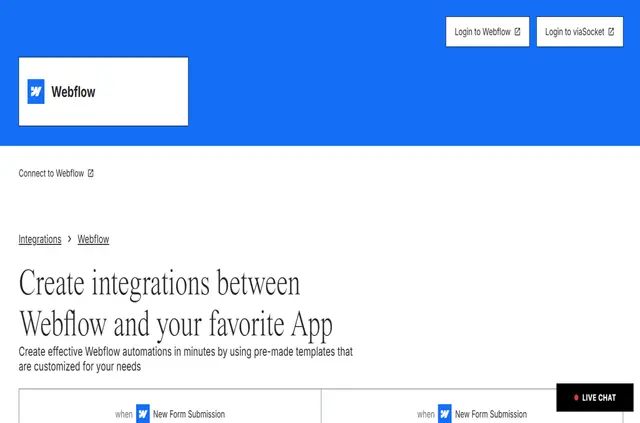
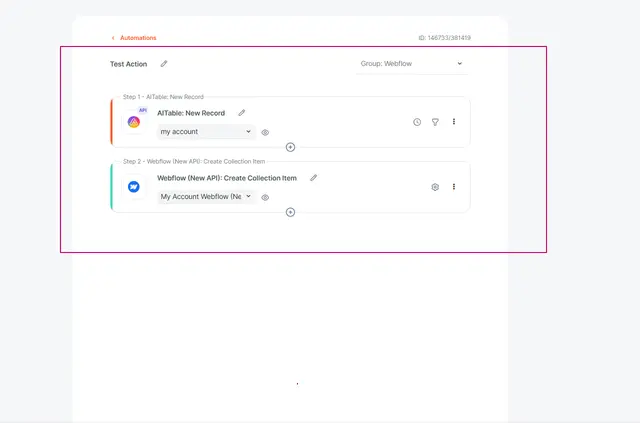
When a Webflow task involves work in other apps, you can use viaSocket to connect them in a workflow. A trigger, such as a new lead, can start actions like sending an email.
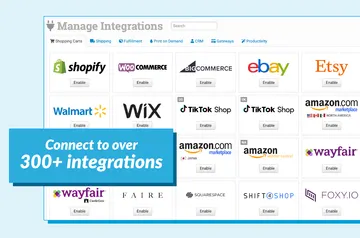
Build sequences across more than 5,000 apps, including Slack, Gmail, Salesforce, Shopify and Google Sheets. Updates sync across connected apps in real time.
Features worth knowing
- Set triggers to start a workflow, then connect actions in a multi-step sequence.
- Automate tasks such as sending emails, updating records, posting content and syncing data.
- Use workflows for marketing, CRM, financial processes, data entry and reporting.
- Link services such as Slack, Gmail, Salesforce, Shopify and Google Sheets.
Permissions to expect
When installed, viaSocket can edit CMS, pages, custom code, assets, forms, ecommerce, site members, components, comments, sites, site settings and workspace. It can also read the site activity log, app subscriptions and your user profile.
viaSocket FAQ
Can a new lead trigger an email workflow?
Yes. A new lead can start a workflow that sends an email.
Can I link several actions in one workflow?
Yes. viaSocket supports multi-step workflows that connect actions in a sequence.
How many apps does viaSocket connect with?
viaSocket connects with over 5,000 apps.
Who is viaSocket suited to?
It is suited to small and medium businesses, enterprises and marketing teams.
What kinds of work can I automate?
Examples include marketing automation, CRM workflows, financial processes, data entry and reporting.