Automate Workflows Across Connected Apps with Latenode Webflow App
For Webflow teams, Latenode runs trigger-based workflows that move data between the site and other services.
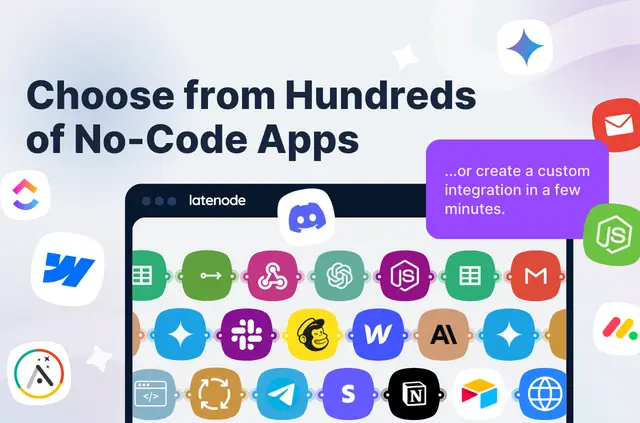
Webflow data can flow between the site and other services through workflows that start from triggers. Site teams build these flows in a visual editor, with no-code tools for non-technical users and low-code options for developers.
Getting started in Webflow
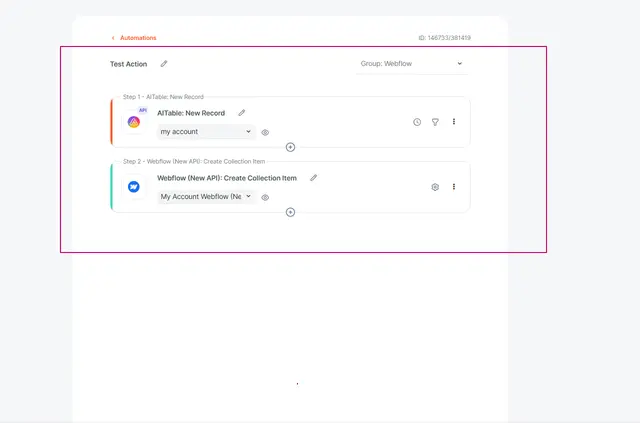
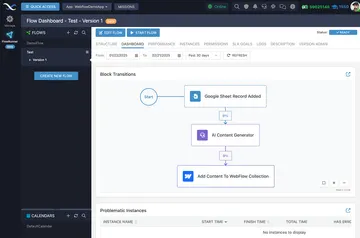
Install Latenode for the Webflow site, then use the drag-and-drop builder to assemble a workflow. Select a trigger and add ready-to-use nodes or sub-scenarios.
The Latenode Knowledge Base has an integration setup guide. Latenode Support can assist with script setup.
What you can do with it
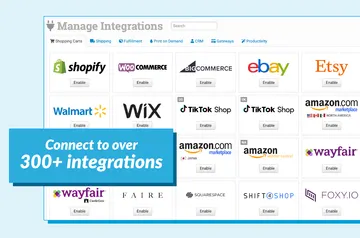
Workflows connect Webflow with other apps through native integrations or custom APIs, exchanging data between services. Multiple trigger choices and sub-scenarios let teams organize how a workflow runs.
For custom logic, workflows support JavaScript, NPM packages, a headless browser, and AI-assisted automation.
Pricing and permissions
Latenode has a free option as well as paid plans. Its Webflow permissions include editing CMS, pages, custom code, assets, forms, ecommerce, site members, components, comments, sites, site settings, and workspace.
It also requests read access to the site activity log, app subscriptions, and the user profile.
Quick answers about Latenode
Can a workflow start from different events?
Yes. Latenode offers multiple triggers for running workflows.
Can Webflow connect to services without a native integration?
Yes. Latenode can connect through custom APIs as well as native integrations.
Can developers add JavaScript libraries to workflows?
Yes. Workflows can use JavaScript and NPM packages.
Is there help for setting up a script?
Latenode Support can help users set up a script.
Are there options for people who do not code?
Yes. The platform provides no-code tools for non-technical users alongside low-code options for developers.