Automate Workflows Across Connected Apps with Make Webflow App
Webflow site builders use Make to move information between their site and other apps through automated workflows.

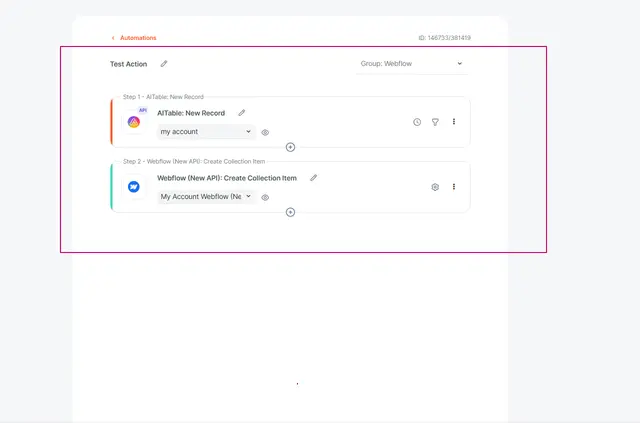
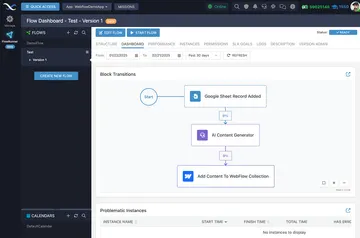
Make helps Webflow teams automate how information moves between their site and other apps. They build scenarios by linking apps in a drag-and-drop interface, without writing code.
What Make does
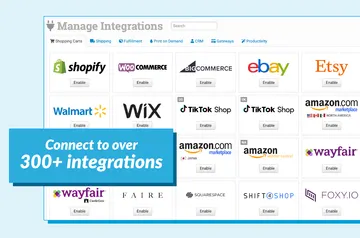
A scenario can pass information between Webflow and services in Make’s app library. For a service with an API that is not in that library, Make’s generic HTTP app can provide a connection.
From install to first use
After installing Make, users build a scenario by connecting apps in its drag-and-drop interface. They can set it to run immediately, follow a schedule or run in real time when requested.
When it's a good fit
Make suits people planning anything from a small repeated task to a complex workflow. Its app connections and HTTP option give Webflow projects different ways to link site information with other services.
Common questions
Can Make connect to a service outside its app library?
Yes. Its generic HTTP app can connect to services that have an API.
Do I need to write code to build a Make workflow?
No. Users create scenarios by connecting apps with a drag-and-drop interface, without requiring code.
How can a Make scenario be triggered?
It can run instantly, on a schedule or in real time when requested.
What can Make edit in Webflow?
Its requested edit access covers CMS, assets, forms, ecommerce, comments and sites.
What Webflow information can Make read?
Its requested read access covers pages and the user profile.