Manage Cookie Consent with TrustArc Cookie Consent Manager Webflow App
Use TrustArc Cookie Consent Manager in Webflow to manage cookie consent and privacy tools across your site.

After setup, visitors get consent choices and privacy controls on your Webflow site. TrustArc scripts are served based on each visitor’s region and your site’s privacy settings.
The manager identifies and audits trackers, with compliance dashboards and reporting. The app is listed as free.
Getting started in Webflow
Install the app in Webflow, then sign in with your TrustArc account. The app loads and embeds TrustArc Consent Manager on your site.
During installation, the app requests access to edit custom code and sites. Its dynamically served scripts do not support Subresource Integrity (SRI).
The main tools
Use the manager to review trackers and give visitors ways to express privacy choices.
- Detect, sort, and audit trackers found on your website.
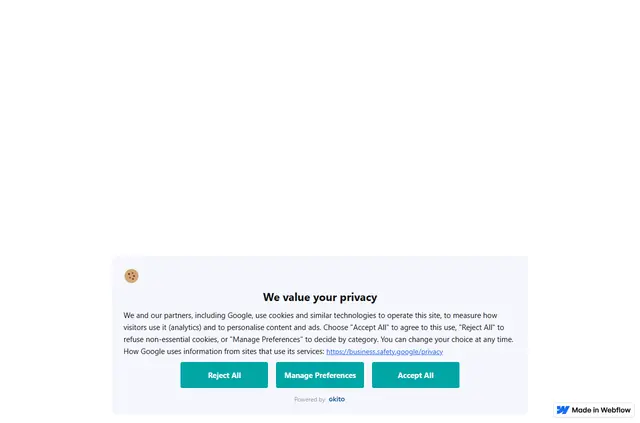
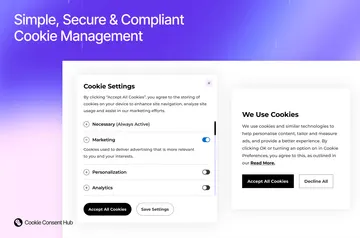
- Set up consent banners and visitor privacy controls to suit your needs.
- Use compliance dashboards to view reports.
- Available options include mobile support, AdChoices integration, and a Dedicated Technical Account Manager.
TrustArc Cookie Consent Manager FAQ
Which permissions does TrustArc Cookie Consent Manager ask for?
It asks to edit custom code and sites.
How does the app handle trackers on a website?
It detects, categorizes, and audits website trackers.
Can I customize the consent banner?
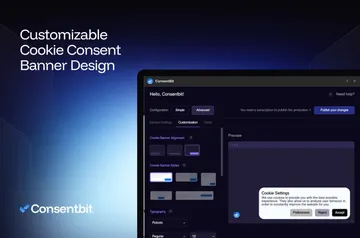
Yes. The manager provides customizable consent banners.
Does the app support Subresource Integrity (SRI)?
No. Its dynamically served scripts do not support SRI.
How are consent scripts served to visitors?
Script delivery follows each visitor’s region and the privacy settings configured for the site.