Manage Cookie Consent Preferences with Flowstar Webflow App
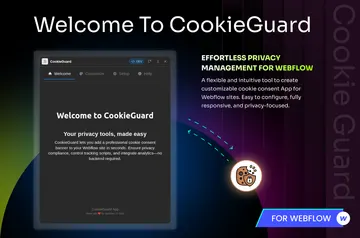
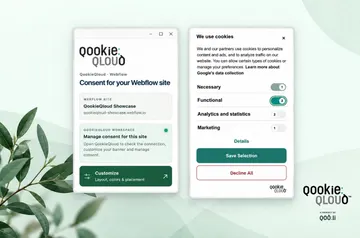
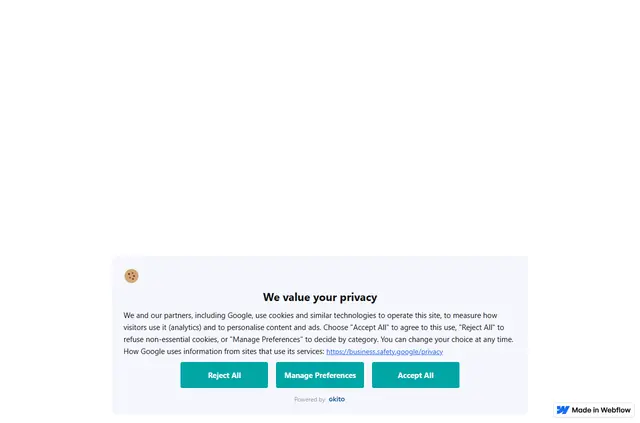
Add cookie preference controls within Webflow using consent banners and bars that adjust to screen sizes.
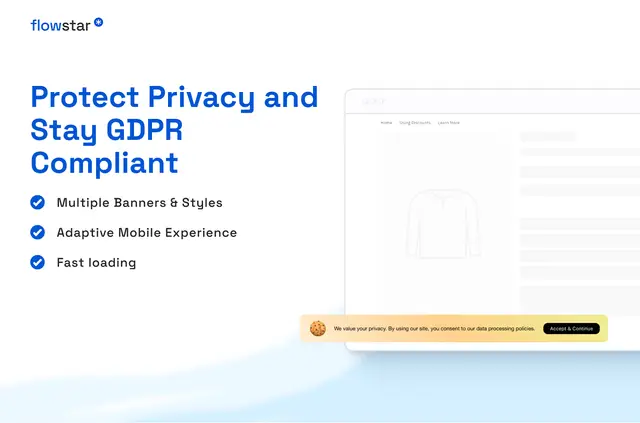
Building cookie preference controls by hand or bringing in another tool adds work for Webflow site builders. With Flowstar installed, visitors can use a consent interface to adjust cookie settings.
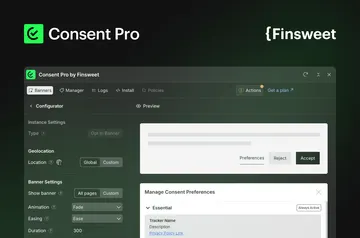
Its templates and branding options shape the banners and bars, and the setup needs no coding or technical skills. Cookie consent can be configured in minutes.
Features worth knowing
- Give visitors a consent interface for changing cookie settings.
- Customize banner designs to fit a website’s branding.
- Build cookie banners and bars from customizable templates.
- Use consent banners that adapt to different screen sizes.
Pricing and permissions
Flowstar has a free option as well as paid plans. When installed, it can edit custom code and sites, and read CMS, pages, assets, ecommerce, and the user profile.
Who gets the most out of it
Flowstar fits Webflow projects that need visitor controls for cookie preferences. Site owners can use its templates and branding options to shape consent notices, with setup available without coding or technical skills.
Quick answers about Flowstar
Does Flowstar work with Webflow CMS collections?
When installed, Flowstar can read CMS data. It provides an interface where visitors can adjust cookie settings.
Does Flowstar work with Webflow Ecommerce?
Flowstar can read ecommerce data when installed. It adds cookie consent banners and bars for visitor preferences.
Can visitors change their cookie choices after the banner appears?
Yes. Visitors can adjust cookie settings through Flowstar’s consent interface.
Can the consent banner match a site's branding?
Yes. Banner designs can be customized to match a website’s branding.
How long does cookie consent setup take?
Cookie consent can be set up in minutes.