Manage Site Consent with OneTrust Consent Management Webflow App
Apply OneTrust consent rules on your Webflow site and keep tracking aligned with visitors’ choices.
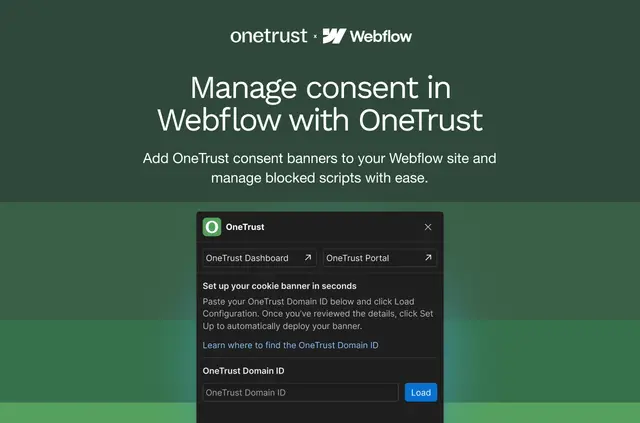
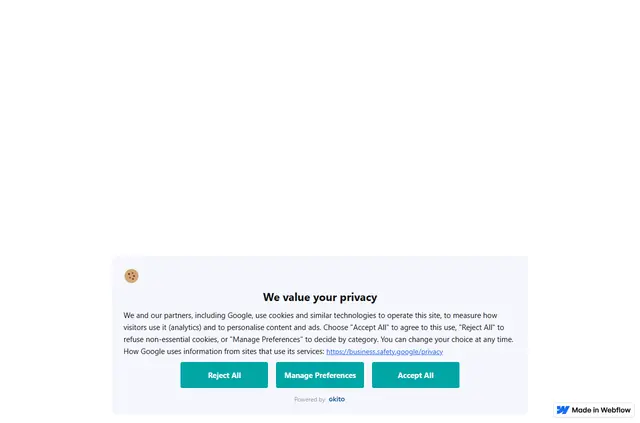
OneTrust Consent Management does its work on your published Webflow site, where it deploys a banner configured in your existing OneTrust environment.
It carries consent signals and preferences across digital properties, then applies OneTrust’s location rules and enforcement settings to tracking.
When it's a good fit
This integration is for teams already managing consent with OneTrust and bringing Webflow sites into that work. It supports projects subject to GDPR, CCPA/CPRA and other global privacy regulations.
What's included
- Displays your configured OneTrust CMP banner on a Webflow site.
- Shares consent signals and user preferences across digital properties.
- Uses OneTrust geolocation rules, consent settings and enforcement logic.
- Allows tracking technologies to run in line with each visitor’s consent choices.
Setting it up
Install the integration for a Webflow site you manage through OneTrust. Getting started requires an existing OneTrust CMP account and an active subscription.
After setup, it deploys your configured banner and applies OneTrust rules to consent on the site.
Common questions
What can OneTrust Consent Management access in my Webflow account?
It can change custom code and view your sites and user profile.
Is OneTrust Consent Management free?
A free option and paid plans are listed.
What OneTrust subscription do I need?
You need an active OneTrust subscription with an existing CMP account.
Which privacy regulations does it support?
It supports GDPR, CCPA/CPRA and other global privacy regulations.
How does it handle tracking consent?
OneTrust enforcement settings govern whether tracking technologies run based on each user’s consent choices.