Manage Cookie Consent Preferences with Cookie Consent Hub Webflow App
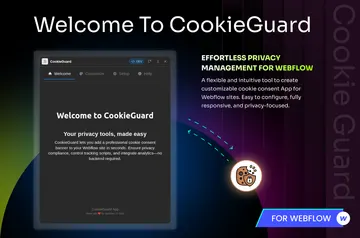
Cookie Consent Hub adds a customizable cookie notice to Webflow sites and lets visitors choose their cookie consent.

Cookie Consent Hub is a cookie consent app for Webflow. Designers, marketers, freelancers, and agencies use it to manage privacy notices across one or more sites.
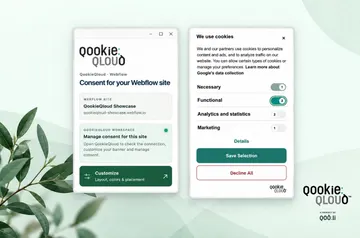
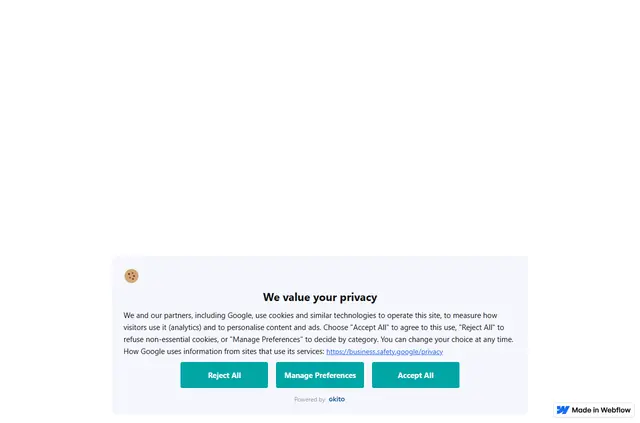
Visitors can accept or refuse non-essential cookies, or tailor their selections by category. Consent records show whether a visitor accepted, rejected, or customized their choices.
Before you install
Cookie Consent Hub is paid. On installation, it can edit custom code and sites, and read your Webflow user profile.
What you can do with it
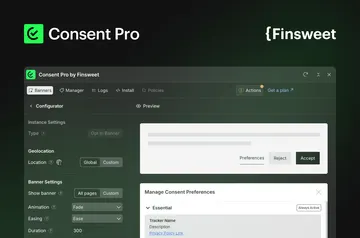
The dashboard lets teams change the banner’s appearance and text, choose when it appears, and set how it treats returning visitors. Visitors can make choices for essential, analytics, marketing, and personalization cookies.
Dashboard settings can let Google Analytics and Google Tag Manager follow visitors’ consent selections.
Getting started in Webflow
Sign in with Webflow, select a site, and authorize Cookie Consent Hub to add its required setup. Publish the site to display the banner.
When a site moves to a custom domain, change its URL in the dashboard.
Questions about Cookie Consent Hub
Can agencies use Cookie Consent Hub on client sites?
Yes. The app suits agencies managing privacy notices for one or more sites.
Do I need to code to use Cookie Consent Hub?
The stated setup involves signing in with Webflow, choosing a site, authorizing the app, and publishing. Cookie Consent Hub requests permission to edit custom code for its setup.
Does Cookie Consent Hub run inside the Webflow Designer?
Banner appearance, wording, display timing, returning-visitor handling, and consent configuration are controlled in the app’s dashboard.
Can visitors accept or reject non-essential cookies?
Yes. Visitors can accept or reject non-essential cookies, or make choices by category.
Does the banner appear before or after publishing?
Publish the Webflow site to show the banner.