Improve Customer Service with Social Chat Buttons from Webflow App
Add Social Chat Buttons to a Webflow site to give visitors a direct way to contact its owner.
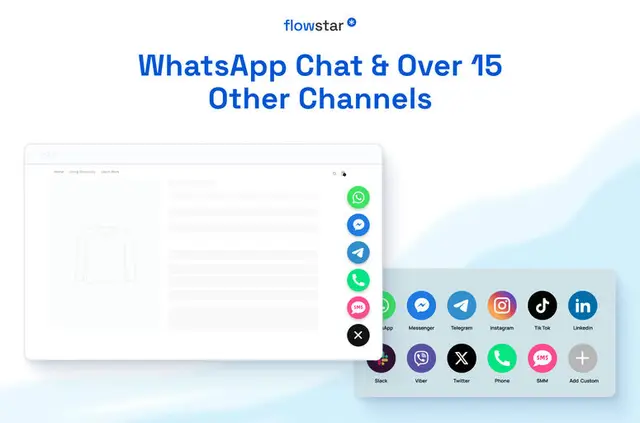
Online stores, service businesses, agencies, freelancers and teams building landing pages use Social Chat Buttons to give visitors a way to start a conversation.
Made by Flowstar, the app adds messaging links to Webflow sites and supports services such as WhatsApp, Facebook Messenger, Instagram, Telegram, TikTok and WeChat.
What Social Chat Buttons does
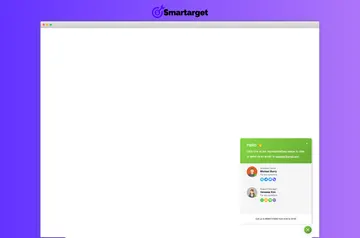
In a Webflow project, the widget places messaging buttons on a site. A visitor can select a button for a supported service to contact the site owner and begin a conversation.
The app is listed as paid. When installed, it can edit custom code and sites, and read CMS, pages, assets, ecommerce and the installing user's profile.
The main tools
- Choose from messaging services including WhatsApp, Facebook Messenger, Instagram, Telegram, TikTok and WeChat.
- Adjust the buttons' icons and colors to suit the site's design.
- Set the widget's placement and layout on the page.
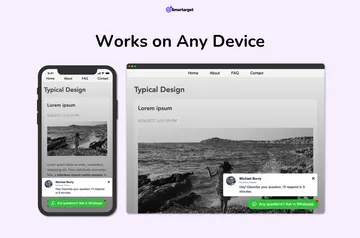
- Use buttons designed to work across mobile devices.
When it's a good fit
The widget suits global websites as well as online stores, service businesses and individual freelancers that want visitors to contact the site owner through messaging.
Agencies can use it on client projects, and landing pages can offer a direct conversation option. Setup takes minutes and does not require coding.
Quick answers about Social Chat Buttons
How do I add Social Chat Buttons to a Webflow site?
Install the app and set it up in your Webflow project. Setup takes minutes and requires no coding.
Can I use Social Chat Buttons on an Ecommerce site?
Yes. Online stores are among the types of sites the app is suited to.
Which messaging services can visitors use?
Supported options include WhatsApp, Facebook Messenger, Instagram, Telegram, TikTok and WeChat, among others.
Can I change how the chat buttons look and where they appear?
Yes. You can change the icons, colors, placement and layout of the widget.