Show Stories, Offers & Products with Smartarget Stories Webflow App
Businesses use Smartarget Stories to turn offers, products and brand details into interactive website stories.
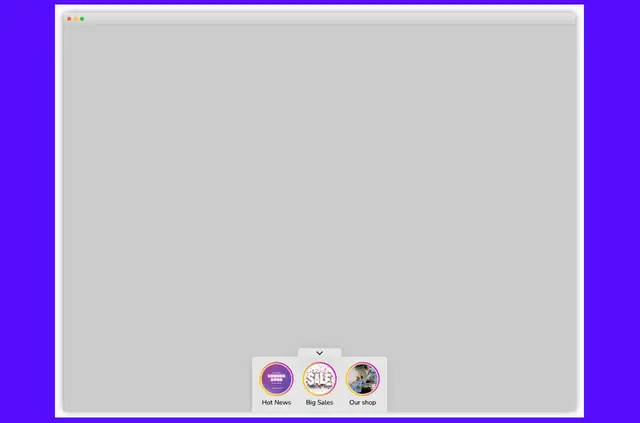
Businesses presenting promotions or brand information can use Smartarget Stories to show that material in a social media-style format on their websites.
Instead of only reading site text or product descriptions, visitors can interact with stories made from images or videos.
Who it suits
The app suits business sites that want to call attention to offers, products, or other selected material. It also fits teams that want to share brand information through interactive stories rather than relying only on written descriptions.
Stories work on computers as well as mobile devices, making the format available to visitors on either type of device.
What it asks for
When installed in Webflow, Smartarget Stories can read sites and edit custom code. These are the two kinds of access the app requests for a Webflow project.
What you can do with it
Create multiple stories using images or videos, and include music or sound. A business could use a story to feature a product or draw attention to a promotion.
Stories can also have a call-to-action button that directs visitors to a specific page on the website, such as a page about the featured product or offer.
Smartarget Stories FAQ
Can I create more than one story?
Yes. Smartarget Stories lets businesses create multiple stories from images or videos.
Can a story button send visitors to a page on my site?
Yes. A call-to-action button can direct visitors to a specific website page.
Can I add music or sound to a story?
Yes. Stories can include music or sound alongside images or video.
Do stories work on mobile devices and computers?
Yes. Stories work on both computers and mobile devices.
What can a business feature in its stories?
Businesses can use stories to highlight offers, products, brand information, promotions, and other selected content.