Optimize Email Campaigns with SendingFlow Webflow App
Connect Webflow forms to email campaigns and manage automated and transactional messages with [Sending]flow.
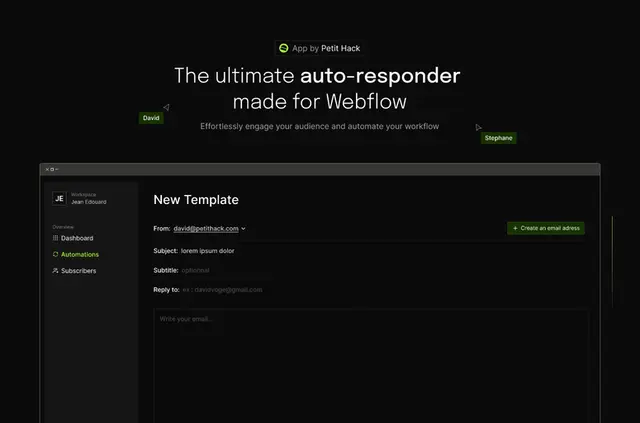
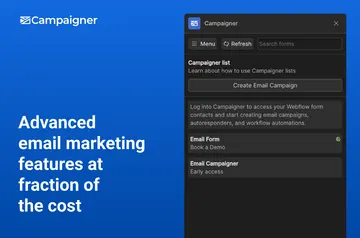
Site builders can use [Sending]flow to turn Webflow form submissions into email campaigns, without adding a separate automation tool.
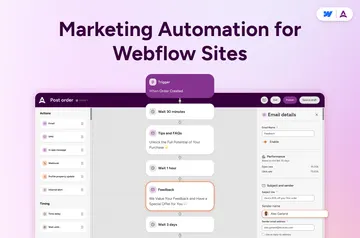
The platform supports automated and transactional messages, from welcome emails and product updates to order confirmations and donation receipts.
Pricing and permissions
[Sending]flow has a free option and paid plans. When installed, it can edit CMS, forms, ecommerce, and sites; it can read pages, assets, site members, the site activity log, workspace, app subscriptions, and your user profile.
[Sending]flow in practice
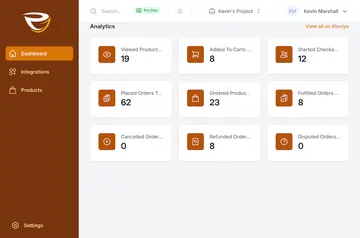
In a Webflow project, the app connects forms to email campaigns. Users can create and schedule campaigns with 1 to 1000 emails, then view real-time performance insights. They can also select an IP location for delivery. SendingFlow reports an average delivery time of 3 seconds.
When it's a good fit
The app is described for SaaS companies, online businesses, ecommerce businesses, and nonprofits. It suits projects that need to send form-related campaign messages as well as transactional emails, such as shipping updates or donation receipts.
Common questions
Can I use [Sending]flow on an Ecommerce site?
Yes. Ecommerce businesses are among the stated use cases, and the app can edit ecommerce data when installed.
Who makes [Sending]flow?
It is made by Petit Hack.
How many emails can a campaign contain?
A campaign can contain from 1 to 1000 emails.
Can I choose where email delivery comes from?
Yes. Users can choose an IP location for email delivery.