Sync Product Feeds Across Channels with ShopSync Feeds Webflow App
ShopSync Feeds helps Webflow CMS and Ecommerce teams prepare product catalogs for external shopping channels.
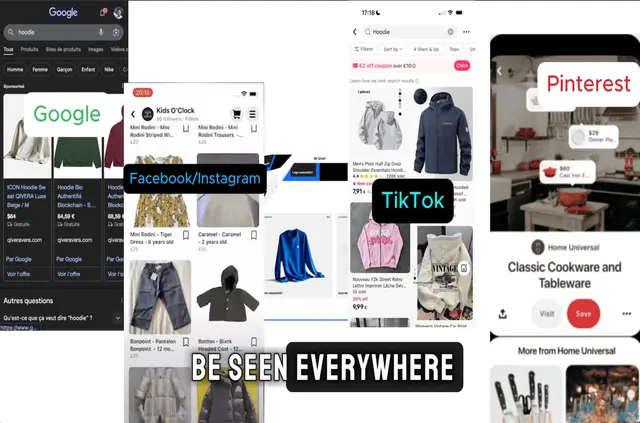
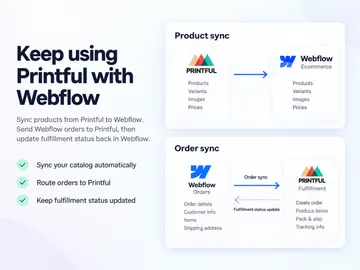
Without ShopSync Feeds, Webflow teams may need to update catalog details by hand or use extra tools to distribute them across shopping channels. The app creates and maintains structured feeds from CMS and Ecommerce products.
It refreshes connected catalog information in real time or on a schedule, with update options depending on the channel.
Setting it up
Install ShopSync Feeds, then use its one-click connection to link a Webflow CMS collection. Guided onboarding and no-code settings support the initial feed setup.
The app can identify product structures and offers CSV feeds or connections through supported APIs.
What you can do with it
Feeds can carry titles, descriptions, prices, images, availability and custom fields from Webflow products to Facebook and Instagram Shops, Google Merchant Center, TikTok Shop or Pinterest Catalogs.
Google feeds can update instantly or twice daily; other channels support real-time or scheduled refreshes. Caliscale Agency makes the app, which is listed as paid.
Common questions
Which Webflow data can ShopSync Feeds read?
When installed, the app requests permission to read CMS, Ecommerce, sites and the user's profile.
Can product feeds include custom fields?
Yes. Feeds can carry custom fields as well as standard product details such as prices and images.
Can a Webflow catalog be sent as a CSV?
Yes. ShopSync Feeds provides CSV feeds alongside connections through supported APIs.
How often can Google product data sync?
Google feeds support real-time updates or synchronization twice daily.
Which types of Webflow catalog can use ShopSync Feeds?
The app is suited to Webflow CMS and Ecommerce users distributing product catalogs across multiple shopping channels.