Import Relume Wireframes with Relume Site Builder Import Webflow App
For teams building in Relume Site Builder, bring wireframes into Webflow to refine and style.
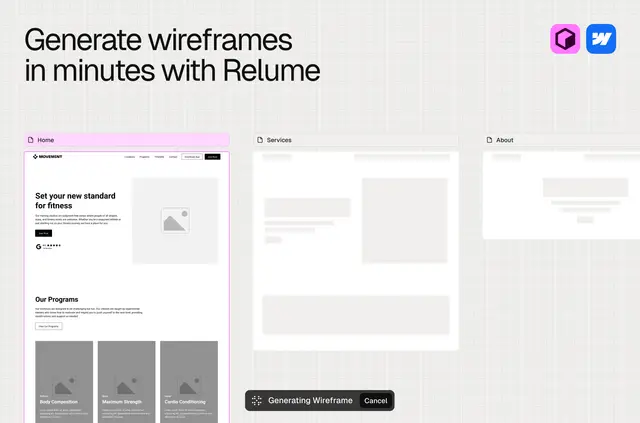
Your Webflow project can contain wireframes made in Relume Site Builder, ready for you to refine into a site. Relume Site Builder Import moves those layouts into Webflow through its plugin.
After import, you can work with the wireframes in the context of your Webflow project, rather than starting the refinement process from scratch.
What Relume Site Builder Import does
Use the app to bring Relume Site Builder wireframes into a Webflow project. The imported layouts take on the project’s styling, giving you a starting point for making them fit your site.
Features worth knowing
- Imported layouts adopt the styling of the Webflow project.
- You can sync wireframe styles with styles already in the project.
- The import process automatically creates Webflow components.
- You can edit and style the wireframes after they arrive in Webflow.
Who it suits
This app suits teams that plan website layouts in Relume Site Builder and then refine the results in Webflow. It connects those stages of a project, so you can continue working on the wireframes in your Webflow project.
Relume Site Builder Import FAQ
How do I bring a wireframe into Webflow?
Import it through the Relume Site Builder Import plugin.
Will imported layouts match my Webflow project’s look?
Imported wireframes take on the styling of the Webflow project.
Can I keep wireframe styles aligned with project styles?
Yes. The app can sync wireframe styles with styles in the project.
Does importing create Webflow components?
Yes. Webflow components are created automatically during import.
Is there a free option?
The app is listed with a free option and paid plans.