Build Conditional Multi-Step Forms with FormFlow Webflow App
Configure native Webflow forms with multiple steps, answer-based rules and additional field types.
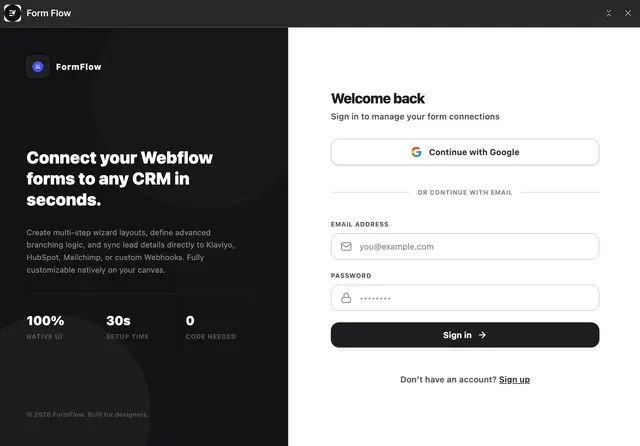
FormFlow works in the Webflow Designer. Open it from the Apps panel, select a native form and set it up on a visual canvas. On your published site, the form stays a Webflow element and keeps its Webflow styling.
Use it to guide visitors through steps, reveal fields according to their answers and collect different kinds of input.
Before you install
FormFlow has a free plan and is listed as paid. Paid plans are Starter at $9/month, Growth at $39/month and Business at $79/month.
When installed, it requests permission to edit custom code and sites, and to read forms and your user profile.
Caveats
FormFlow extends native Webflow forms, so select a native form in the Designer to configure it. Live calculations work with numbers and the addition, subtraction, multiplication and division operators.
FormFlow in practice
Create multi-step flows with progress indicators, Back and Next buttons, step validation and routing according to answers. Conditional rules use comparison operators to show or hide fields.
Add signatures, star ratings, date pickers, US phone formatting and file uploads. You can set a redirect or success message after submission according to a visitor’s answers. Submissions can connect to Klaviyo, Mailchimp and HubSpot, or go to supported automation services through webhooks. Publishing adds FormFlow’s script through Webflow, so you do not need to paste code.
Common questions
Who is the developer behind FormFlow?
FormFlow is made by Dong's Workspace.
Can I route visitors through different form steps based on their answers?
Yes. Multi-step forms can use answers to determine which step a visitor reaches.
Can I use calculations in a form?
Yes. Live calculations support numbers and addition, subtraction, multiplication and division.
Do forms keep their Webflow styling?
Yes. Forms remain Webflow elements and retain their Webflow styling rather than appearing inside an iframe.