Route Form Submissions with Form.taxi Webflow App
For teams building privacy-focused Webflow sites, Form.taxi routes form submissions through its own backend.
If you need flexible delivery for forms on a privacy-focused Webflow project, Form.taxi lets you route submissions through its backend rather than relying on Webflow to handle and deliver them.
You can send entries to one or several email addresses, enable automatic replies and review stored submissions in the admin panel. The service offers GDPR-compliant processing with hosting in the EU.
Getting started in Webflow
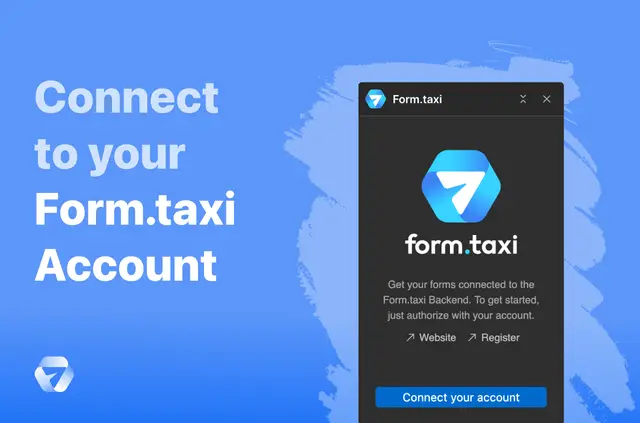
Connect your Form.taxi account in the app, then choose the Webflow form you want to use. Link that form to an existing Form.taxi backend or create a new one to begin routing submissions.
These steps connect a selected form to a backend; the service handles submissions separately from Webflow.
Where it fits
Form.taxi suits privacy-focused projects that need options for where form entries go. It can be useful when you want to direct submissions to a single inbox or distribute them across multiple email addresses.
Its GDPR-compliant processing and EU-based hosting are relevant considerations for teams choosing how their site handles form data.
Form.taxi in practice
In a Webflow project, Form.taxi processes submissions through its own backend, independently of Webflow. For example, a contact form can send entries to multiple email addresses, while an optional automatic reply can respond to the person who submitted it.
Spam filtering is provided, and submitted forms are kept in an online archive that you can view from the admin panel. Form.taxi is made by wrkt*biz Dev and listed as free.
Quick answers about Form.taxi
Can I send form submissions to more than one email address?
Yes. Form.taxi can deliver submissions to one email address or multiple addresses.
Can people receive an automatic reply after submitting a form?
Yes. You can enable optional automatic replies for form submitters.
Can I review submissions after they arrive?
Yes. Submissions are stored in an online archive that you can view in the admin panel.
Does Form.taxi filter spam?
Yes. The service provides spam filtering for form submissions.
Where is form data processed and hosted?
Form.taxi offers GDPR-compliant processing and EU-based hosting. Its backend handles submissions independently of Webflow.