Embed Event Calendars with Event Calendar Webflow App
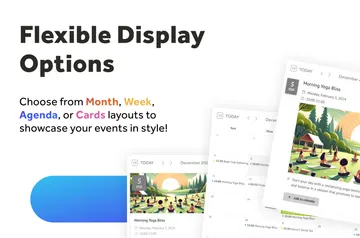
Embed an updateable event calendar or schedule in a Webflow site, with month, week, and schedule views.
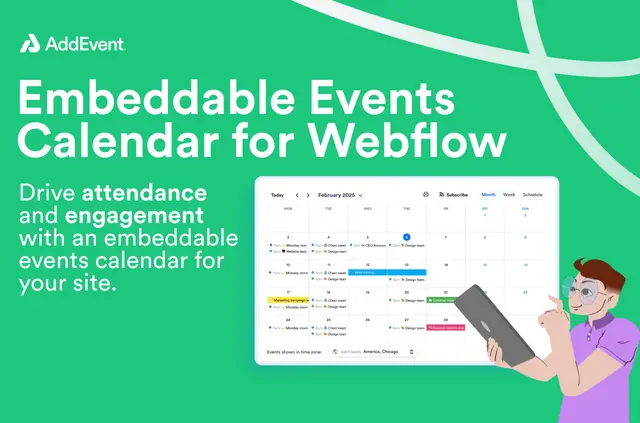
Without Event Calendar, organizations and individuals may have to update schedules by hand or use another tool to publish events. Once installed, the app generates a calendar for embedding on a Webflow site.
It can present classes, academic dates, performances, and other events. Display settings let site builders choose which calendar controls and details appear.
From install to first use
Install and open the app, then enter a CalendarID in Calendar Settings. Set the display options and generate the calendar.
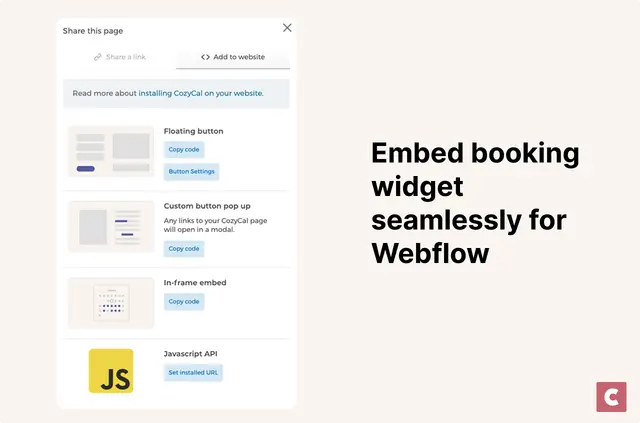
The generated calendar can be embedded on a Webflow site without writing code.
The main tools
- Present events in month, week, or schedule formats.
- Choose whether to show details and controls such as the calendar name, print option, timezone selector, and subscription buttons.
- Allow visitors to subscribe or save an event or the entire calendar feed to Google, Outlook, or Apple.
- Use timezone support to help audiences in different regions read event times in their local context.
Event Calendar FAQ
Can I add the calendar to Webflow without writing code?
Yes. Generate the calendar in the app, then embed it on a Webflow site without writing code.
Which calendar views can I use?
The calendar can display month, week, or schedule views.
Can visitors save events to their calendar service?
Visitors can subscribe to a calendar or save individual events or the full calendar feed to Google, Outlook, or Apple.
What does the CalendarID do in setup?
Enter a CalendarID in Calendar Settings before configuring the display and generating the calendar.
What kinds of schedules can this app publish?
It suits organizations and individuals publishing events, classes, academic dates, performances, or other schedules.