Elevate Your Webflow Site with Letterdrop's AI Content Creation and SEO Tools Webflow App
For Webflow CMS and site content, Letterdrop supports B2B publishing, SEO work and revenue attribution.
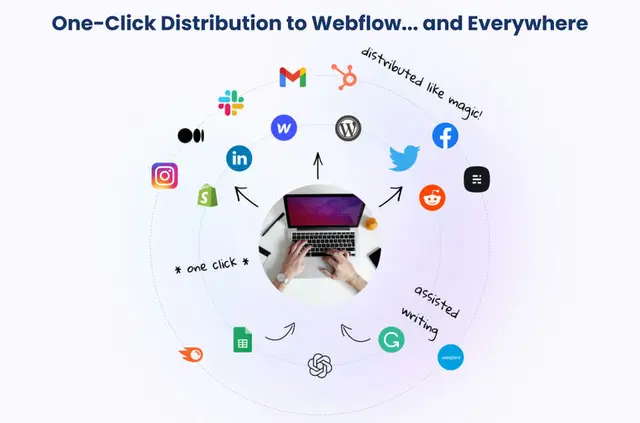
B2B content teams use Letterdrop to manage Webflow publishing, SEO tasks and work across writers. You can connect content activity with sales outcomes and coordinate publishing in one platform.
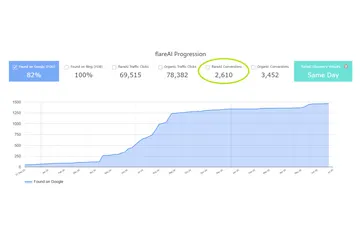
Its attribution draws on the past 12 months to relate pages buyers read to demo bookings and activity during sales cycles.
From install to first use
Install Letterdrop, connect your Webflow site, choose the CMS collections to use, map custom fields and import content.
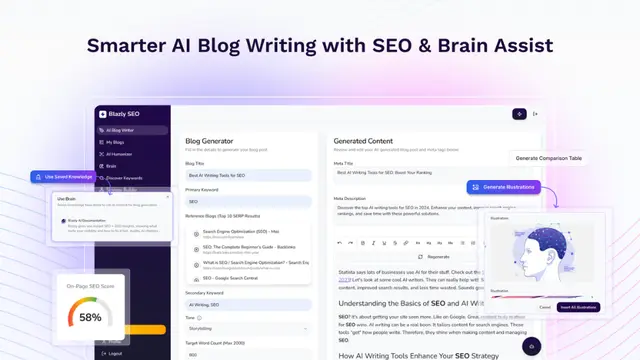
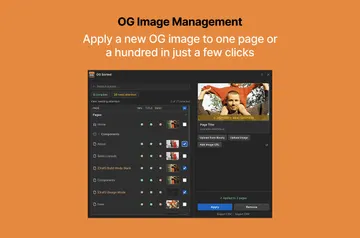
Use the editor for Markdown, tables, reusable embeds and calls to action, and image compression. A content calendar and approval workflows support planning and publishing.
Worth checking first
To attribute revenue, add Letterdrop’s tracker to your Webflow site and connect a CRM. You may also add an IP data provider such as Clearbit, 6sense or ZoomInfo; this enrichment is optional.
Letterdrop is paid. Its Webflow access includes editing CMS content and sites.
Who it suits
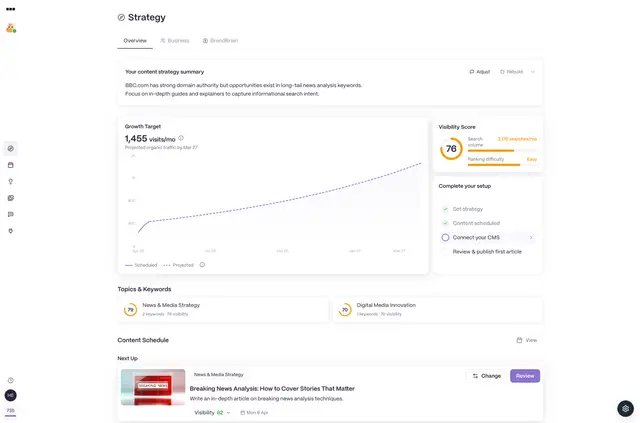
Letterdrop suits B2B content teams managing Webflow sites with multiple writers. SEO tools monitor rankings, surface unanswered questions and flag broken, duplicate or redirected links.
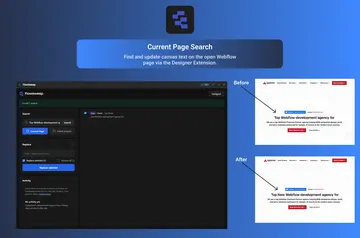
AI can recommend relevant internal links and find keywords across CMS content for bulk changes, helping teams work across pages.
Common questions
What can Letterdrop access in my Webflow account?
Letterdrop can edit your CMS content and Webflow sites.
Can Letterdrop work with my CMS items?
Yes. Select Webflow CMS collections, map custom fields and import their content into Letterdrop.
Is Letterdrop free?
No. Letterdrop is listed as paid.
Can Letterdrop connect content to sales activity?
Yes. It attributes visits to pages buyers read before demos and during sales cycles, using data from the last 12 months. This requires its site tracker and a connected CRM.
Can Letterdrop help me find SEO issues in Webflow content?
Its tools monitor rankings, identify unanswered questions and find broken, duplicate or redirected links. AI can also suggest internal links and locate keywords across CMS content for bulk changes.