Remove Unused Components with Bulk Component Deleter Webflow App
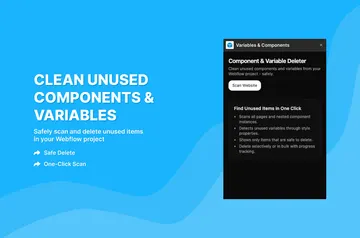
Find unused Webflow components, review their usage and remove selected items from a project.
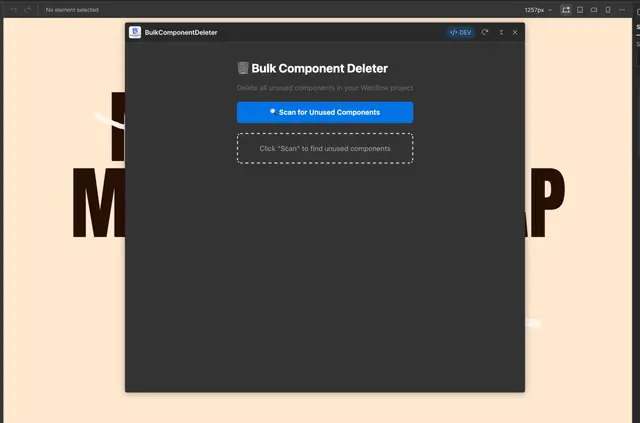
In Webflow projects, Bulk Component Deleter checks pages and component definitions to help site owners identify components they may want to remove. It includes nested components in its usage count.
Made by Flowcooks and listed as free, the app presents component names, IDs, counts and used or unused status.
Setting it up
The available steps begin with starting a scan: click “Scan for Unused Components.” Review the results, then use search or a status filter to find specific items. Select components individually or choose all unused components for deletion.
Who gets the most out of it
Agencies, freelancers, teams and template creators can use the app while organizing Webflow projects. Its counts and status labels help them assess component use before choosing items to remove.
Common questions
Does the scan count nested components?
Yes. It scans project pages and component definitions, including nested components, when calculating usage.
Can I filter the component results?
Yes. Search for components or filter the results to show all, used or unused items.
What happens when I delete components?
Deletion requires confirmation and shows progress. After it finishes, the app runs another scan.
Can I export component details?
Yes. CSV reports include component details, the site name, scan time and usage status.
How can I select components for removal?
Choose components one at a time or select all items marked unused.