Move Breakpoint Styles with Breakpoint Style Mover Webflow App
Site owners can correct misplaced breakpoint styling by moving existing Webflow styles without rebuilding them by hand.
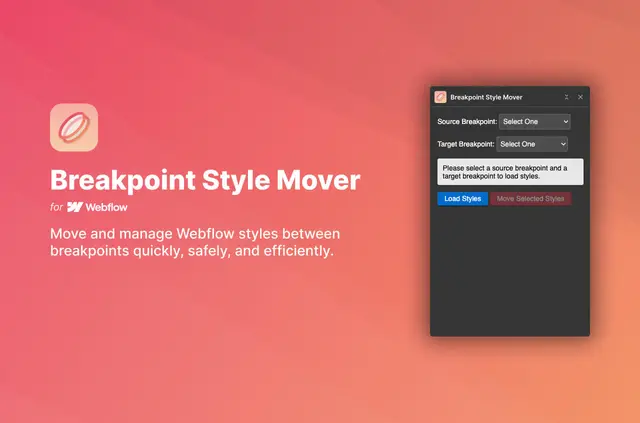
Styles sometimes end up on the wrong breakpoint in a Webflow project. Breakpoint Style Mover transfers them to another breakpoint without requiring people to reapply each style manually.
Made by Abi Rana, the app is intended for Webflow users correcting breakpoint styling or shifting styles as project needs change.
What you can do with it
The app moves existing styles from one Webflow breakpoint to another. For example, a team can shift styling placed at the wrong breakpoint to the intended one, rather than recreating it there.
When it's a good fit
It suits Webflow projects where styling needs correction or a group of styles must be transferred between breakpoints. Moving existing work can help teams avoid applying those styles again by hand.
Feature notes
- Select several styles and transfer them together in a single batch.
- See the number of properties affected before applying a move.
- Review alerts about possible overwrites before making changes.
- Use a confirmation dialog to inspect the updates before they are applied.
Questions about Breakpoint Style Mover
Can styles be moved from one breakpoint to another?
Yes. The app transfers existing styles between Webflow breakpoints.
Do styles need to be applied again by hand after a move?
No. It moves existing styles, so users do not have to reapply them manually.
Can I move several styles in one operation?
Yes. Users can select multiple styles and move them in a batch.
What does the app show before changes are applied?
It shows how many properties are affected and warns about potential overwrites.
Is there a final check before the update takes effect?
Yes. A confirmation dialog gives users a final review before applying the updates.