Sync CMS Content to Algolia with Algolia Search and Sync Webflow App
Webflow site owners can use Algolia Search and Sync to add CMS-powered search without writing search logic.
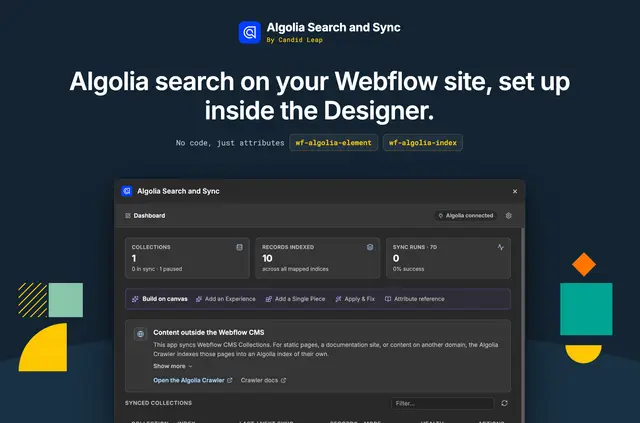
Algolia Search and Sync links Webflow CMS content to an Algolia account. Search appears on the published site, while a Designer Extension lets site builders configure search components on the Webflow canvas.
The app keeps the index current after CMS publishing and through scheduled background jobs. Visitors can see matching results as they type.
Things to keep in mind
An Algolia account and API credentials are required, and the app uses the customer’s own account. It is listed as free. When installed, it requests permission to edit custom code and sites, and to read CMS content and the user profile.
From install to first use
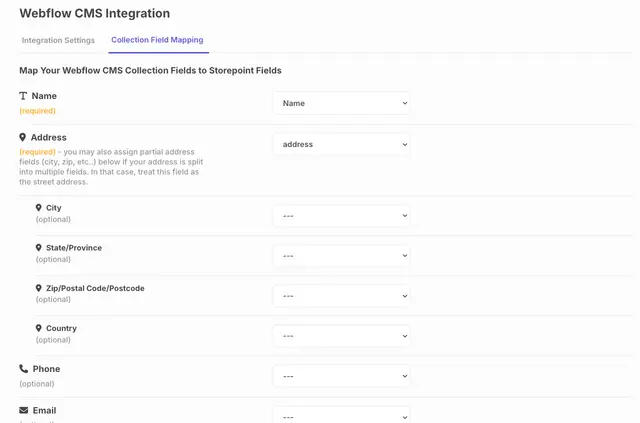
Install the app and authorize a Webflow site. Provide an Algolia App ID and API key, then choose a collection to map and sync. The Designer Extension can add configurable search boxes, results, filters, and pagination to the canvas.
When it's a good fit
This suits Webflow site owners who want visitors to search CMS content without building the search logic themselves. It connects the site’s collections to Algolia and displays search components in the Designer for configuration.
Common questions
What happens when a Webflow collection is published?
Publishing CMS content triggers a resync through webhooks. Scheduled background jobs also update the Algolia index.
Can search handle misspelled terms?
Yes. Visitors get typo-tolerant results ranked by relevance, with results appearing as they type.
Which search elements can be added in the Designer?
The Designer Extension provides configurable search boxes, results, filters, and pagination for the canvas.
Whose Algolia account does the app use?
It connects Webflow CMS to the site owner’s own Algolia account, using that account’s App ID and API key.
Who made Algolia Search and Sync?
The app is made by Candid Leap.