
Search Filter for Data Tables Webflow Cloneable
A search input with a clear button and result count filters paginated lists. Clone it for card lists, tables, Kanban boards, or custom records.

About cloneable
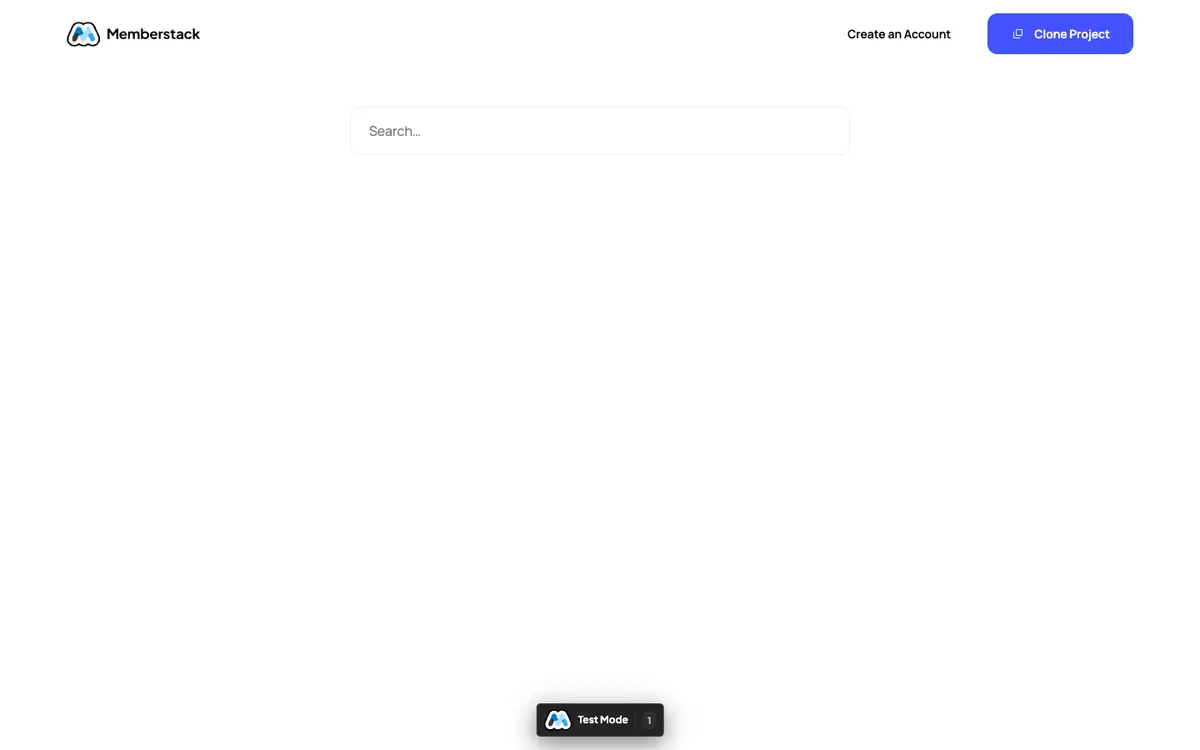
This cloneable adds a search control for filtering list-style content on a Webflow page. The preview has a minimal white layout with a single, centered input near the top; the field displays “Search...” as its placeholder. The interface is made up of the input, a clear button, and a count of matching results. Search results appear within the page’s existing list rather than in a separate results view.
Connect the control to a card list, table list, Kanban board, or a custom list marked with the data-ms-field attribute. It can search across paginated records, so visitors can look for entries beyond the currently displayed page. The cloneable adds the search control to those content structures; it does not replace their layout.
Clone it for directories, data tables, task boards, or other pages where visitors need to find a particular record among many entries. It provides a compact way to add text filtering while keeping the results in the content layout already in use.