List Pagination Controls Webflow Cloneable
A reusable pagination block with page numbers and Prev/Next controls for list-style components. Clone it to paginate tables, cards, or custom lists.
About cloneable
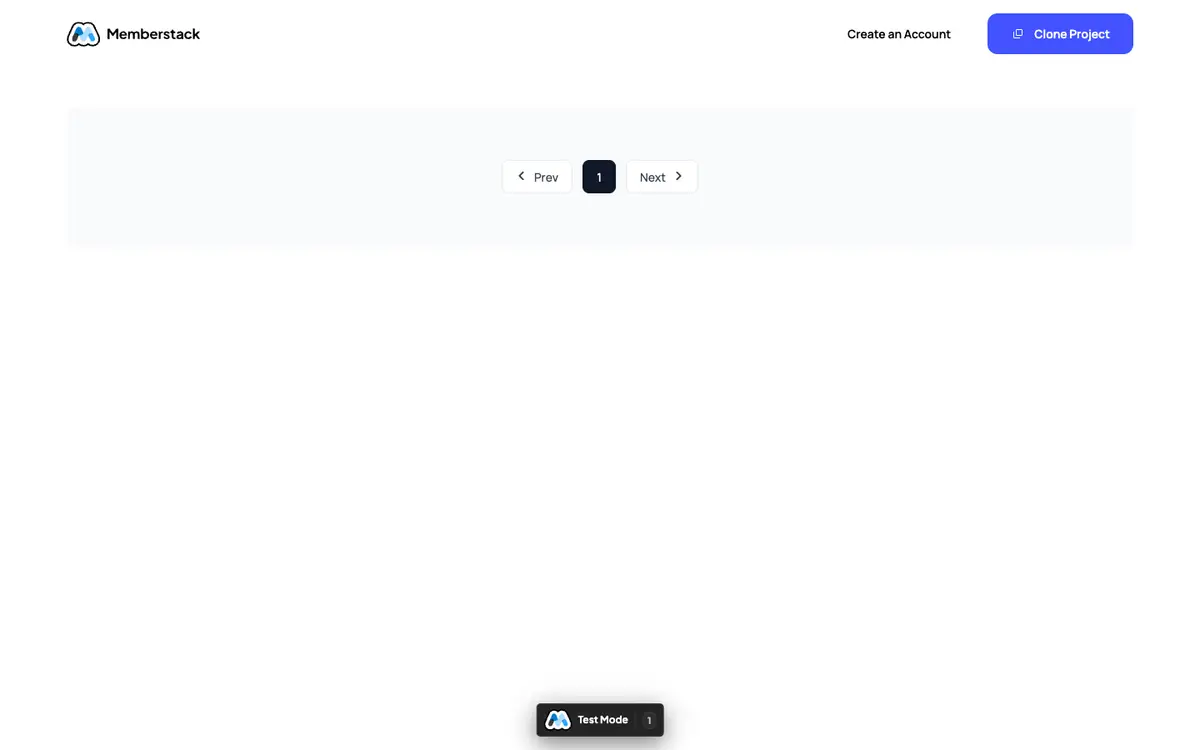
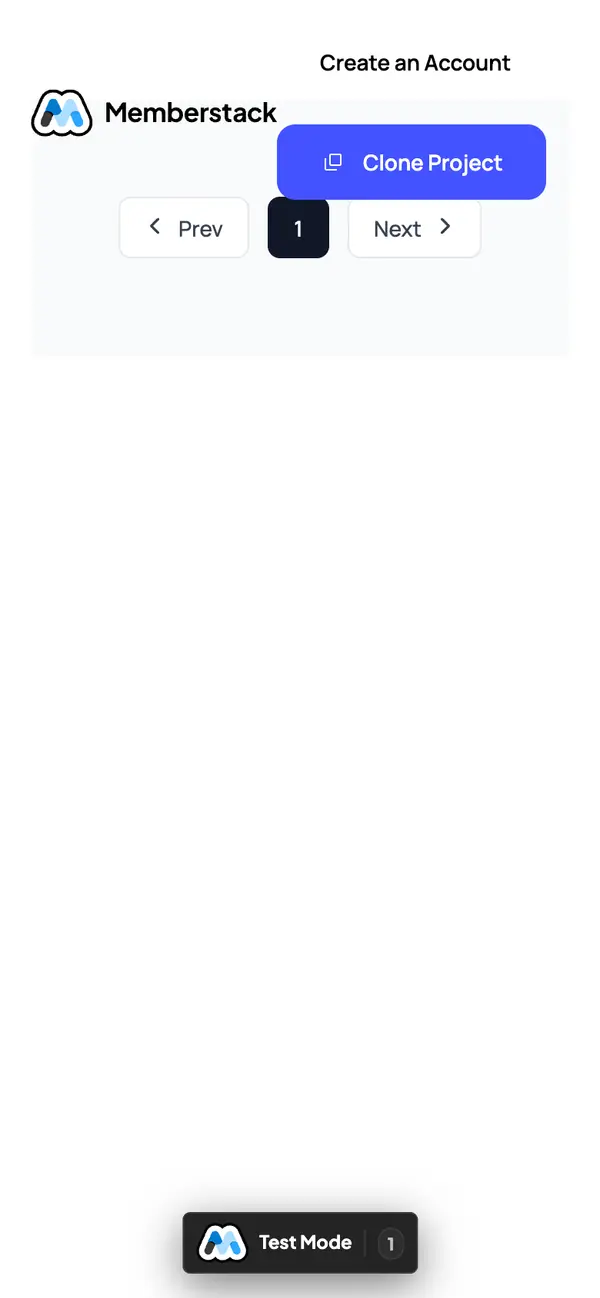
This cloneable provides pagination controls for a list-style component. The visible interface includes a centered row with a Previous button, a highlighted current-page button, and a Next button. It gives visitors a way to move between pages of list content.
The pagination block is intended to sit inside a list container. Data attributes connect it to the list, while a dedicated script manages the controls: it displays the appropriate page buttons, marks the active page, disables Previous or Next at the ends, and uses ellipses to shorten long page ranges. The pattern can be used with card lists, table lists, or custom lists that render content in pages.
A Webflow builder can clone the block when adding pagination to a list-based interface, then configure the required data attributes for their setup. It offers a shared control pattern for projects that need visitors to browse results a page at a time.