
Video Webflow Cloneables
Explore a variety of Video Webflow Cloneables for stunning website designs. Easily incorporate these cloneables on your site for an engaging visual experience.
4 cloneables


Questions about Video cloneables
How can you embed and customize videos in Webflow?
You can embed videos in Webflow using the built-in Video element by adding a YouTube or Vimeo link. For custom embeds, use the Embed element to insert custom HTML, such as an iframe video embed. To style videos, apply custom CSS for responsive scaling, rounded corners, or overlays. Webflow also supports background videos, which loop automatically. For more control, use third-party video players like Plyr.js or custom interactions to trigger video playback. Browse Webflow cloneables to find pre-built video sections with advanced styling and animations.
What are some effective ways to use video elements in Webflow designs?
Webflow allows you to enhance designs with video elements in various ways. You can use background videos to create engaging hero sections, embed videos from platforms like YouTube or Vimeo, or upload custom MP4 files for full control. Lottie animations enable lightweight, interactive motion graphics, while Webflow’s lightbox feature lets users play videos in a pop-up modal. Video can also be combined with scroll and hover interactions to create dynamic effects. Optimizing file sizes and lazy loading ensures performance remains smooth across devices.
What are the best Webflow cloneables for creating video-based websites?
For creating video-based websites using Webflow, the following cloneables offer excellent design and functionality options:
- Masked Video Scroll Webflow Cloneable for Dynamic Text Effects
This cloneable allows for dynamic text effects combined with scrolling video banners, making it ideal for visually engaging hero sections or landing pages that utilize motion to captivate users.
- Video Gallery Webflow Cloneable for Dynamic User Engagement
Perfect for showcasing multiple videos in a structured gallery format, this cloneable helps in creating dynamic video collections, ideal for portfolios, media archives, or educational content.
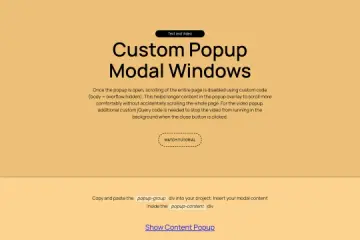
- Create Engaging Popup Modals with Webflow Cloneable
This cloneable enables video integration within pop-up modals, enhancing user interactions by displaying content in an engaging and distraction-free manner—suitable for product demos, marketing campaigns, or storytelling.
Each of these cloneables provides unique functionalities that can be leveraged based on specific design needs, from immersive scrolling effects to structured video galleries and interactive modals.