Monitor Site Performance with NoBreakWeb Webflow App
Get daily Lighthouse reports, site metrics, and PDF summaries to track your Webflow website’s performance.
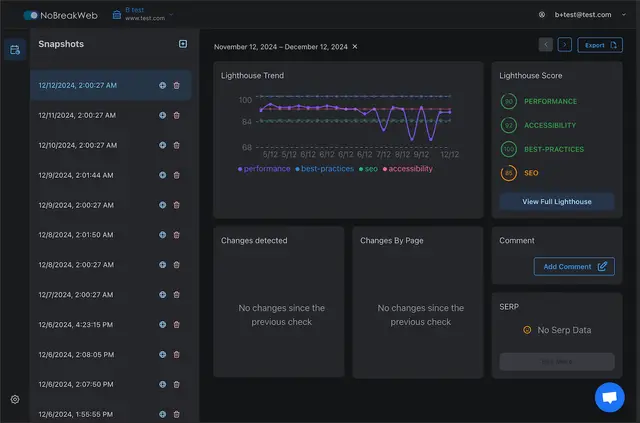
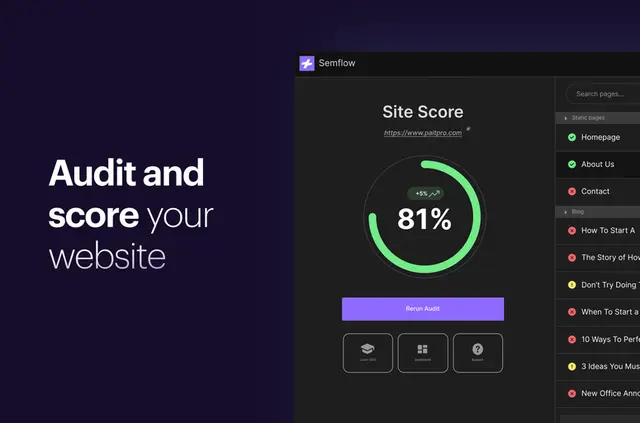
Once set up, you get daily Lighthouse reports and a dashboard showing your website’s metrics and status. NoBreakWeb runs reports automatically, so you don’t need to check the site by hand.
It’s designed for Webflow users who want to monitor and improve site performance over time.
Who it suits
NoBreakWeb suits site owners and teams managing Webflow sites who want regular performance checks. Daily reporting can help you follow changes across a site without relying on manual checks.
What it handles
In a Webflow project, it monitors your website and reports on performance, SEO, best practices, and accessibility. You can review the results in the dashboard and export daily measurements as PDF summaries.
Feature notes
- Automated Lighthouse reports are generated daily.
- Reports include performance, SEO, best practices, and accessibility.
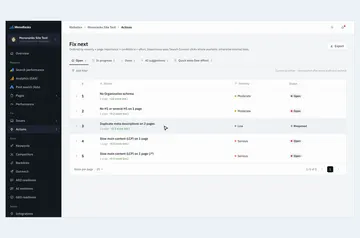
- A dashboard displays site metrics and status.
- Export daily performance measurements as PDF summaries.
- Pro users can review monitored-version history and compare changes over time.
Quick answers about NoBreakWeb
Which permissions does NoBreakWeb ask for?
When installed, NoBreakWeb asks to read your Webflow sites.
How much does NoBreakWeb cost?
NoBreakWeb is listed with a free option and paid plans.
Can I compare my site with earlier versions?
Pro users get monitored-version history and a tool for comparing changes over time.
What topics do the reports cover?
Reports cover performance, SEO, best practices, and accessibility.