Track Analytics & Search Traffic with Google site tools for Webflow
Google site tools for Webflow brings analytics and search reporting into the Webflow Designer for connected accounts.
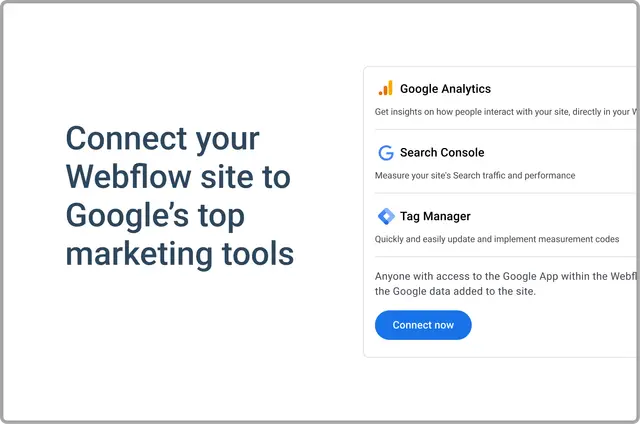
Google site tools for Webflow is an app that brings Google Analytics, Google Search Console, and Google Tag Manager tools into Webflow. Site builders can access them from the Designer after connecting their accounts.
What it asks for
The app requests permission to edit custom code, forms, and sites in Webflow. It also requests permission to read the user profile.
Features worth knowing
- See Analytics traffic, time on site, bounce rate, and data grouped by page, country, or device.
- Review Search Console impressions, clicks, queries, and pages that have opportunities for improvement.
- Measure search traffic and identify site issues that affect performance in Google Search.
- Place a GA4 or GTM script on a Webflow site.
Google site tools for Webflow in practice
Within a Webflow project, the app makes connected Google marketing tools available in the Designer. A site builder can use Analytics to examine traffic by device, then review Search Console pages and queries to see where search performance may need attention.
Quick answers about Google site tools for Webflow
What Analytics data can be viewed?
Google Analytics displays traffic, time on site, and bounce rate. It also breaks data down by page, country, and device.
What information does Search Console report?
Search Console reports impressions, clicks, and queries, along with pages that have improvement opportunities.
Can the app add tracking code to a Webflow site?
Yes. It can place either a GA4 script or a Google Tag Manager script on a Webflow site.
How can the app help with Google Search performance?
It helps measure traffic from search and find site issues that affect performance in Google Search.