Automate Design and Development Tasks with Miyagi Webflow App
For Webflow site owners, Miyagi’s AI agents take on design, coding, and content tasks inside projects.
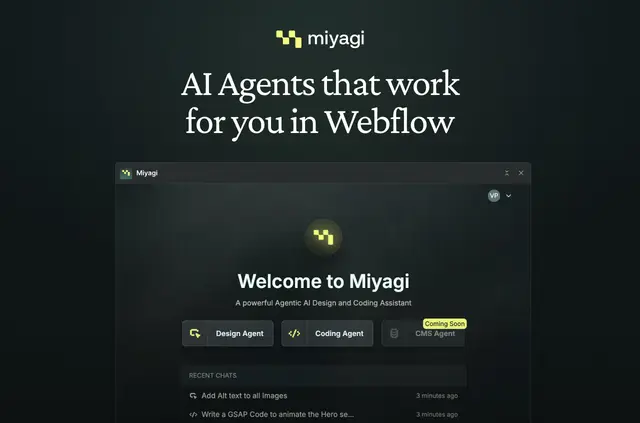
Your Webflow project can come away with adjusted layouts, accessibility updates, SEO metadata, or custom code produced by Miyagi’s agents. They use the project’s layout, classes, and CMS structure as context for their work.
You can add context with files, images, or Webflow elements, choose among multiple AI models, and configure prompts and guidelines to fit your process.
What's included
- The Design Agent can revise layouts, manage classes, improve accessibility, and handle SEO metadata.
- For design and markup work, it can add alt text and ARIA labels, import variables, and correct semantic HTML.
- The Code Agent can write and validate code, then host and deploy it within Webflow.
- It can create custom CSS, GSAP animations, calculators, and conditional form behavior.
Things to keep in mind
Miyagi is listed as paid. Installing it gives permission to edit CMS, pages, custom code, assets, sites, and site settings, and to read your user profile.
Common questions
Can I choose which AI model Miyagi uses?
Yes. Miyagi supports multiple AI models.
Can I give an agent project materials to use as context?
You can supply files, images, and Webflow elements as additional context for the agents.
Can I set guidelines for how the agents work?
Yes. Configure prompts and guidelines to reflect your preferred development process.
What work is planned for the CMS Agent?
The upcoming CMS Agent is intended to generate content, make bulk edits, and create collections.
Which parts of my Webflow account can Miyagi change, and what can it view?
It can make changes to CMS content, pages, custom code, assets, sites, and site settings. It can also read your user profile.