Manage Sites via Gemini with Google Gemini MCP Connector Webflow App
In Webflow, site builders can use Google Gemini MCP Connector to edit projects and ask about site performance.
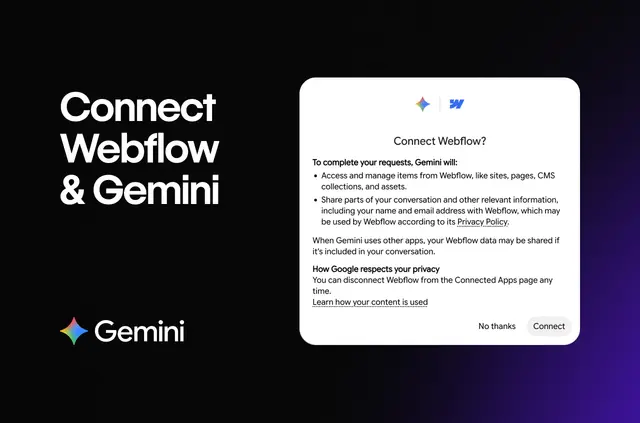
Webflow teams can describe a page or provide a design, then use Gemini to create site elements that follow styles already in use. They can also ask questions about visitor activity and engagement.
Made by Webflow, the connector supports conversational changes to a site as well as questions about its performance.
What's included
- Generate responsive page layouts and reusable components that follow the site's current styles.
- Arrange CMS collections, then create or revise several content items.
- Add animations and interactive behavior, with further adjustments in Webflow’s visual timeline.
- Review traffic, page popularity and engagement trends through questions in Gemini.
What it handles
The connector brings design and content tasks into conversations with Google Gemini. A team might create a page from a description, organize a collection, or update multiple CMS entries as part of project work.
For motion and interaction work, it can add animations and interactive elements for later refinement in Webflow. Performance questions can cover traffic, which pages are popular, and how engagement changes over time.
Quick answers about Google Gemini MCP Connector
Can it create pages that adapt to different screen sizes?
Yes. It can produce responsive pages from a design or description while using styles already present on the site.
Can it make reusable components?
Yes. It can create reusable components based on a design or description and the site’s existing styles.
Can it update several CMS items at once?
Yes. It can create or update multiple content items and organize CMS collections.
Can I adjust animations after adding them?
Yes. You can refine animations and interactive behavior in Webflow’s visual timeline.
What performance questions can it answer?
It can answer questions about site traffic, popular pages and engagement over time.