Publish AI Articles to Your CMS with Content Maker Studio Webflow App
Prepare blog posts and publish them to a Webflow CMS with Content Maker Studio.
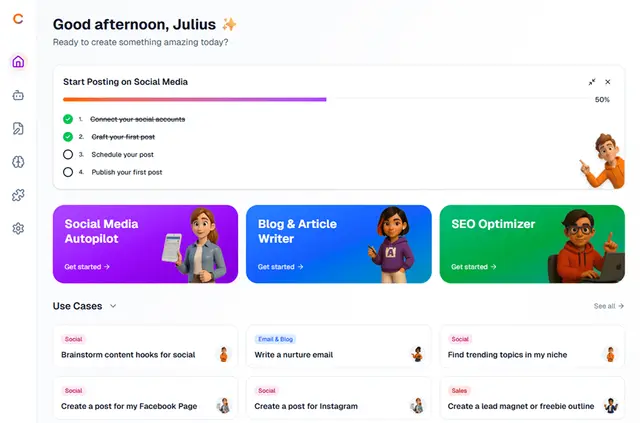
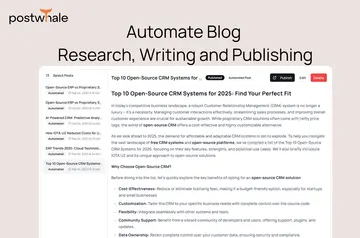
For businesses publishing blogs in Webflow, Content Maker Studio brings article creation and CMS publishing into one platform. Users can write or generate posts, revise them, and send them to a collection.
Content creators, marketing teams, and agencies can use it to prepare articles and supporting details for their Webflow sites.
When it's a good fit
The platform is suited to business sites with an ongoing blog workflow in Webflow. It supports teams and agencies handling article production as well as individual content creators.
It may suit projects where blog posts need accompanying excerpts, imagery, or search metadata prepared for CMS publication.
What's included
- Create articles by writing or using AI generation, then make edits before sending them to a Webflow collection.
- Choose among AI assistants designed around different writing styles.
- Connect article copy, excerpts, hero images, SEO titles, and SEO descriptions with corresponding CMS fields.
- Prepare RichText content for Webflow with headings, images, and HTML.
- Add a hero image, excerpt, and SEO information before publication.
How setup works
Install the app and connect a Webflow account. Select the site and CMS collection to use, then assign collection fields to the content elements.
The connection uses OAuth 2.0, and authentication tokens are encrypted in storage. The app requests site-reading access and permission to edit CMS content.
Common questions
Can I republish a post without changing its URL?
Yes. Content Maker Studio can update the post's existing CMS item while retaining its slug and URL structure.
Does Content Maker Studio cost anything?
The app is listed as free.
Can the app work with headings and images in a RichText field?
Yes. It formats material for Webflow RichText fields, including headings, images, and HTML.
What access does it request in Webflow?
It can read sites and edit CMS content.
How does Content Maker Studio connect to Webflow?
It uses OAuth 2.0, with authentication tokens kept encrypted.