Generate and Publish SEO Articles with BlogTend Webflow App
On the published site, BlogTend adds researched articles and images to a Webflow CMS collection you select.
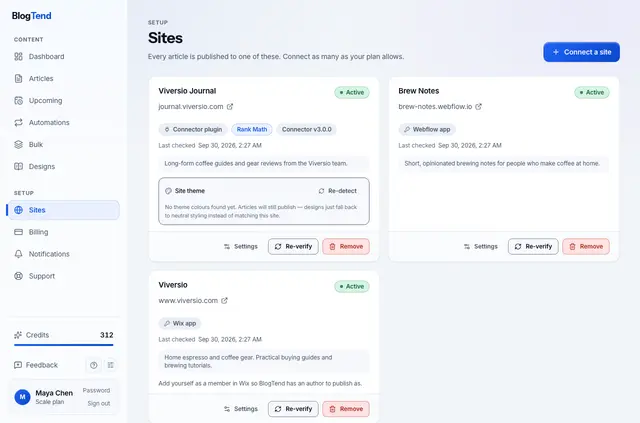
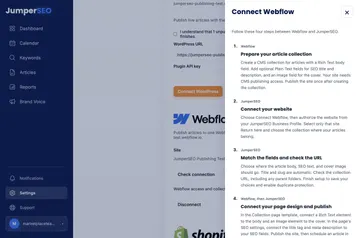
Connect your Webflow site, pick a collection and match its fields to article text, images and SEO details. BlogTend researches topics online and prepares posts for that collection.
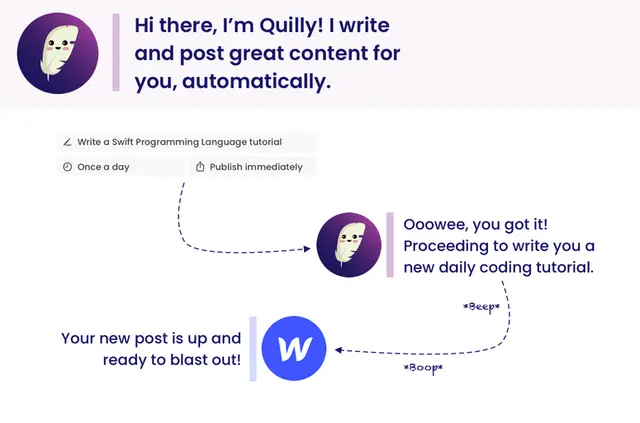
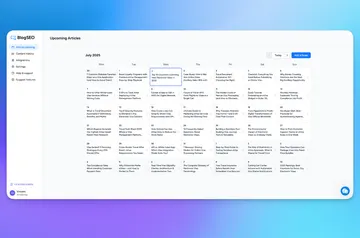
Keep an article unpublished for review or send it live right away. To plan recurring content, set a subject and publishing cadence.
What you can do with it
BlogTend creates regular CMS entries, which appear on your site through the Collection page template you already use. It also places article images in site Assets and can add a category entry when needed.
You can have BlogTend revise an existing article in place without replacing its CMS entry or changing its URL.
Limits to know
Its changes are confined to the collection you connect; BlogTend does not modify your pages, templates or other collections.
SEO titles and search descriptions are written to mapped plain-text fields. Set up the template’s SEO options in Webflow Designer as well.
Before you install
BlogTend is a paid app. Plans begin at $20 per month, with higher tiers covering additional sites and monthly articles.
When connected, it can edit CMS content and assets, and read site information and the authorizing user’s profile.
BlogTend FAQ
How do you install BlogTend in Webflow?
Connect a site, choose a CMS collection, and map fields for content, images and SEO metadata before publishing.
Does BlogTend work with Webflow CMS collections?
Yes. It makes standard CMS items in the collection you select, which your existing Collection page template displays.
Does BlogTend run inside the Webflow Designer?
It works on your Webflow site's CMS collection and Assets; its posts are displayed through your existing Collection page template.
Can you set BlogTend to publish articles on a recurring schedule?
Yes. Choose a subject and set a publishing cadence for recurring articles.
Can BlogTend create a category if one is not already in the CMS?
Yes. It can create a category item when one is missing.