Transition Effects Webflow Cloneables
Explore a variety of Transition Effects Webflow Cloneables to enhance your website design. Easily add dynamic animations with these cloneables for a standout online presence.
3 cloneables



Questions about Transition cloneables
What are transition effects in Webflow?
Transition effects in Webflow control the smooth animation between different states of an element, such as changes in opacity, position, or scale. You can create these effects using the Transitions & Transforms panel by setting properties like duration, easing, and delay. Common transitions include hover effects, fading, and sliding animations. For more advanced interactions, you can use Webflow Interactions & Animations. Cloneable projects with pre-built transition effects are available in the Webflow community to help speed up development and enhance your website’s user experience.
What are some common types of transition effects used in Webflow, and how can they enhance user experience?
Webflow offers various transition effects like fade, slide, scale, rotate, and opacity changes to enhance user experience. These effects create smooth and visually appealing animations when elements appear, disappear, or change state. Fade transitions provide a soft appearance, while slide effects guide users’ focus. Scaling and rotating add dynamic movement, making interactions feel engaging. Smooth transitions improve UI responsiveness, preventing abrupt changes and enhancing navigation flow. By applying these effects to buttons, menus, or page sections, designers can create a polished and modern user interface that feels intuitive and engaging.
What are the most popular Webflow cloneables utilizing transition effects?
Most Popular Webflow Cloneables Utilizing Transition Effects
If you're looking for Webflow cloneables that incorporate engaging transition effects, the following options stand out:
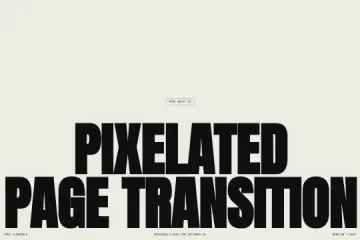
1. GSAP Pixelated Page Transition
- Features a pixelated transition effect powered by GSAP.
- Ideal for creative portfolios, interactive websites, and unique page transitions.
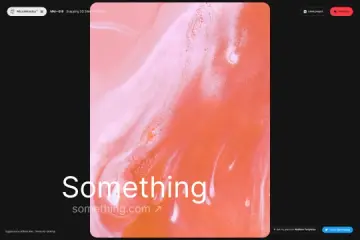
2. Stunning 3D Scroll Parallax Effect
- Implements an eye-catching 3D scroll parallax effect.
- Enhances storytelling and dynamic scrolling interactions on visually rich websites.
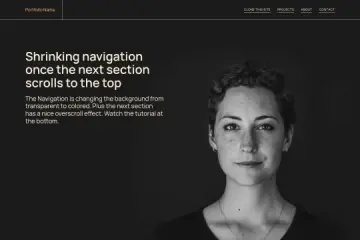
3. Shrinking Navigation Effect on Scroll
- Uses smooth transition to shrink the navigation bar upon scrolling.
- Beneficial for UX enhancements on content-heavy websites and modern web designs.