Boost User Engagement on Webflow Sites with Popup Notifications Webflow App
Give Webflow visitors updates, offers, or new content in a popup you can customize for your site.

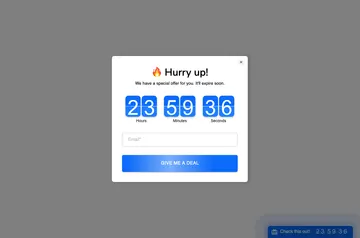
When you want visitors to notice a launch, discount, or blog post, use Popup Notifications to show an announcement on your Webflow site.
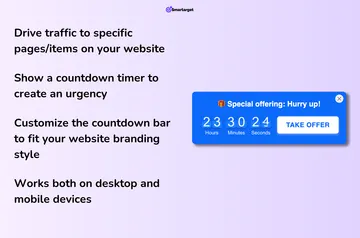
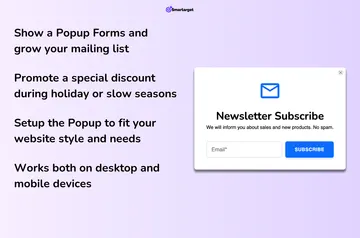
Set the popup’s colors to fit your site and add an image. Configure it without coding or developer assistance, and use any language, including right-to-left languages.
From install to first use
Install Popup Notifications on your Webflow site, then configure a popup without coding. Add an image and choose colors to suit your website.
Use the popup to announce a new launch, discount, or blog post to visitors.
Who gets the most out of it
If you own a website and want to draw visitors’ attention to updates, offers, or content, this app is designed for that purpose.
It can display on desktop and mobile devices, and supports popup text in any language, including right-to-left languages.
Common questions
Who is the developer behind Popup Notifications?
Popup Notifications is made by Smartarget.
What can Popup Notifications access in my Webflow account?
It can read sites and edit custom code.
Where do I use Popup Notifications once it's installed?
Use it on your Webflow website to show announcements to visitors.
Can I match the popup colors to my website?
Yes. You can customize popup colors to match your website theme.
Can I use popup text in a right-to-left language?
Yes. Popups can use any language, including right-to-left languages.