Apply Shadows to CSS Classes with Better Shadows Webflow App
Give Webflow elements shadows, then preview them on different background colors before applying a preset.
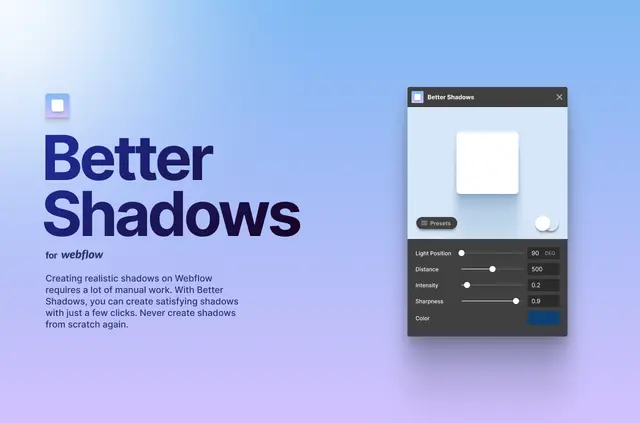
Your Webflow elements can have shadows that you preview against different background colors. Better Shadows works with CSS classes already in your project.
Choose a preset to apply a shadow in one click. The app is listed as free.
What you can do with it
Use Better Shadows to add shadows to existing classes in a Webflow project. Preview a shadow against different background colors to see how it appears on each.
Quick answers about Better Shadows
Can I apply a shadow to a class I already use?
Yes. Better Shadows adds shadows to existing CSS classes.
Can I see how a shadow looks on different backgrounds?
Yes. The app lets you preview shadows against different background colors.
Does Better Shadows include shadow presets?
Yes. It offers presets that you can apply with one click.
Who created Better Shadows?
Diego Toda de Oliveira made the app.
What does Better Shadows add to Webflow elements?
It helps you create shadows for elements in Webflow.