Analyze Pages for SEO Improvements with AI SEO Copilot Webflow App
Get page-level SEO checks, a score and tailored keyword guidance while you work in Webflow Designer.
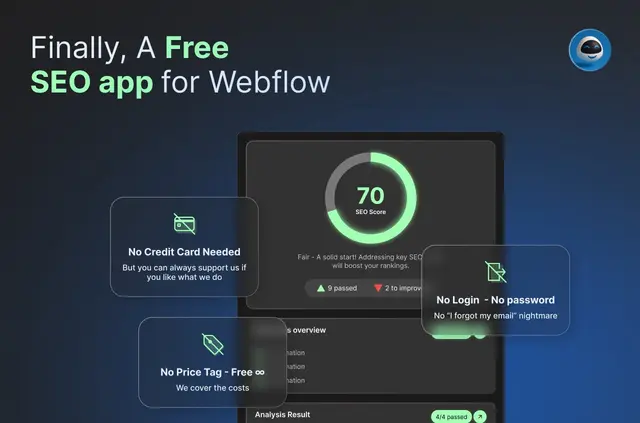
Without AI SEO Copilot, reviewing a page for on-page SEO can mean handling the checks yourself or turning to extra tools. Add the app to Webflow and you can analyze a page in Designer using its content and a target keyword, then review suggestions there.
Features worth knowing
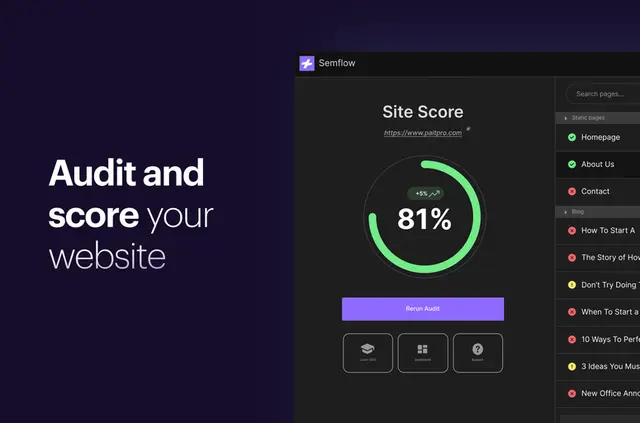
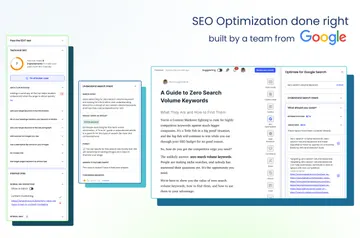
- Run 18 on-page SEO checks and see an SEO score for your page.
- Detect keywords and use a target keyword to shape page-specific recommendations.
- Get GPT-powered suggestions that explain possible improvements in accessible language.
- Open SEO documentation and tutorials from within Webflow.
AI SEO Copilot in practice
Install the app, open it in Designer and enter a keyword to analyze a page. AI SEO Copilot assesses the page content in relation to that keyword and returns optimization guidance, so you can review the results as part of your Webflow project.
The checks, keyword detection and score help you examine on-page SEO, while GPT provides explanations for suggested changes. The app is aimed at Webflow users who want this kind of guidance, including people who have not worked with SEO before.
Quick answers about AI SEO Copilot
Does AI SEO Copilot cost anything to use?
AI SEO Copilot is free to use.
Where do I use the app?
It runs inside Webflow Designer. Launch it there to analyze a page.
Can I access SEO learning materials in Webflow?
Yes. You can open SEO documentation and tutorials from within Webflow.
Can I contribute to the app’s code?
The code is open source, and you can propose improvements or contribute through GitHub.
Is it suitable if I’m new to SEO?
Yes. The app is intended for Webflow users seeking on-page SEO help, including those without SEO expertise.